2-19
Hardware Setup
PIN SIGNAL DESCRIPTION
1 GND Ground
2 SPK- Speaker-
3 SLED Suspend LED
4 BUZ+ Buzzer+
5 PLED Power LED
6 BUZ- Buzzer-
7 NC No connection
8 SPK+ Speaker+
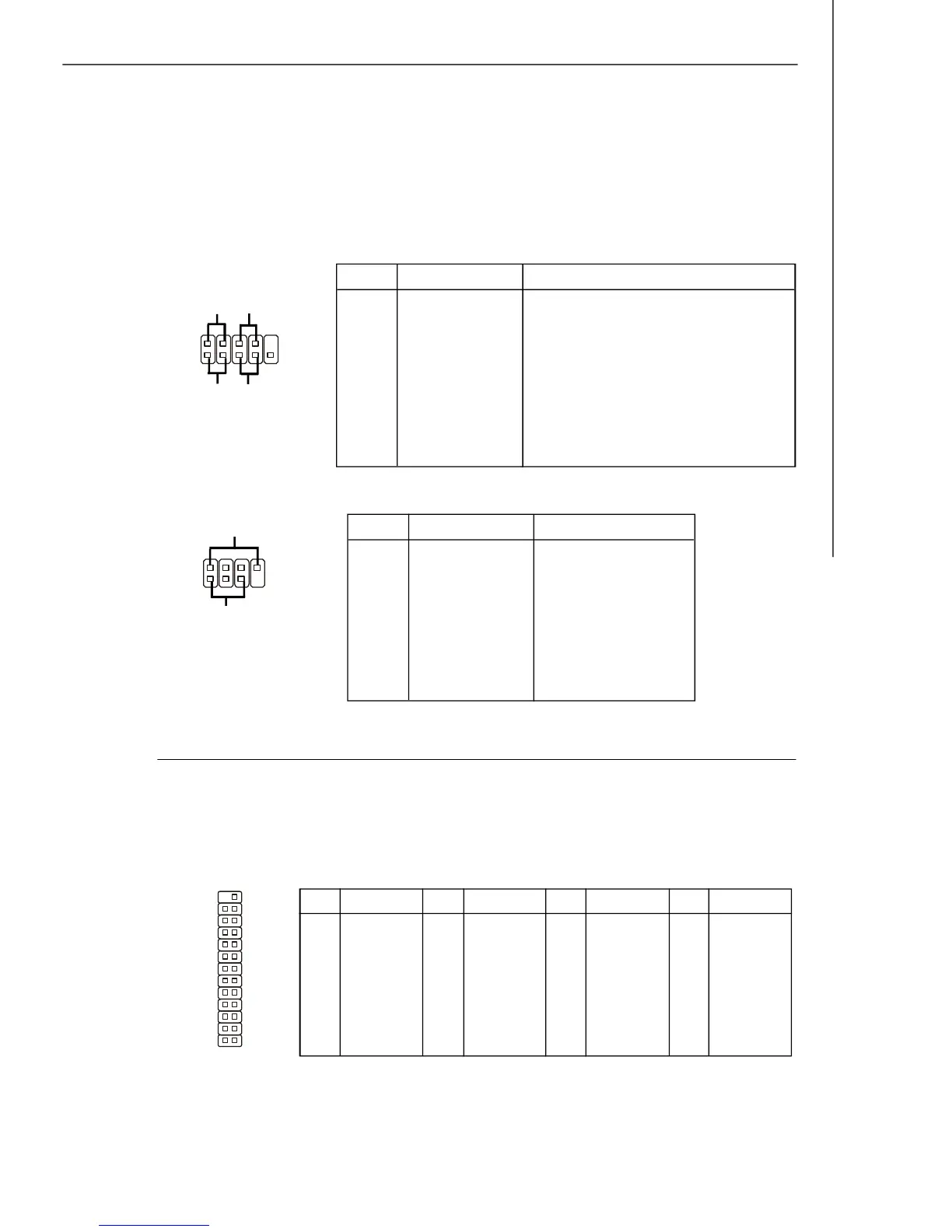
JFP2 Pin Definition
Front Panel Connectors: JFP1, JFP2
These connectors are for electrical connection to the front panel switches and LEDs.
The JFP1 is compliant with Intel
®
Front Panel I/O Connectivity Design Guide.
JFP2
PIN SIGNAL DESCRIPTION
1 HD_LED + Hard disk LED pull-up
2 FP PWR/SLP MSG LED pull-up
3 HD_LED - Hard disk active LED
4 FP PWR/SLP MSG LED pull-up
5 RST_SW - Reset Switch low reference pull-down to GND
6 PWR_SW + Power Switch high reference pull-up
7 RST_SW + Reset Switch high reference pull-up
8 PWR_SW - Power Switch low reference pull-down to GND
9 RSVD_DNU Reserved. Do not use.
JFP1 Pin Definition
JFP1
Parallel Port Header: JLPT1
This connector is used to connect an optional parallel port bracket. The parallel port
is a standard printer port that supports Enhanced Parallel Port (EPP) and Extended
Capabilities Parallel Port (ECP) mode.
1
2
9
10
HDD
LED
Reset
Switch
Power
LED
Power
Switch
+
+
+
-
-
-
7
8
Power
LED
Speaker
1
2
+
+
-
-
JLPT1
2
1
26
25
PIN SIGNAL
1 RSTB#
3 PRND0
5 PRND1
7 PRND2
9 PRND3
11 PRND4
13 PRND5
PIN SIGNAL
15 PRND6
17 PRND7
19 ACK#
21 BUSY
23 PE
25 SLCT
PIN SIGNAL
2 AFD#
4 ERR#
6 PINIT#
8 LPT_SLIN#
10 GND
12 GND
14 GND
PIN SIGNAL
16 GND
18 GND
20 GND
22 GND
24 GND
26 Key (No Pin)



 To Next Page