3-7
BIOS Setup
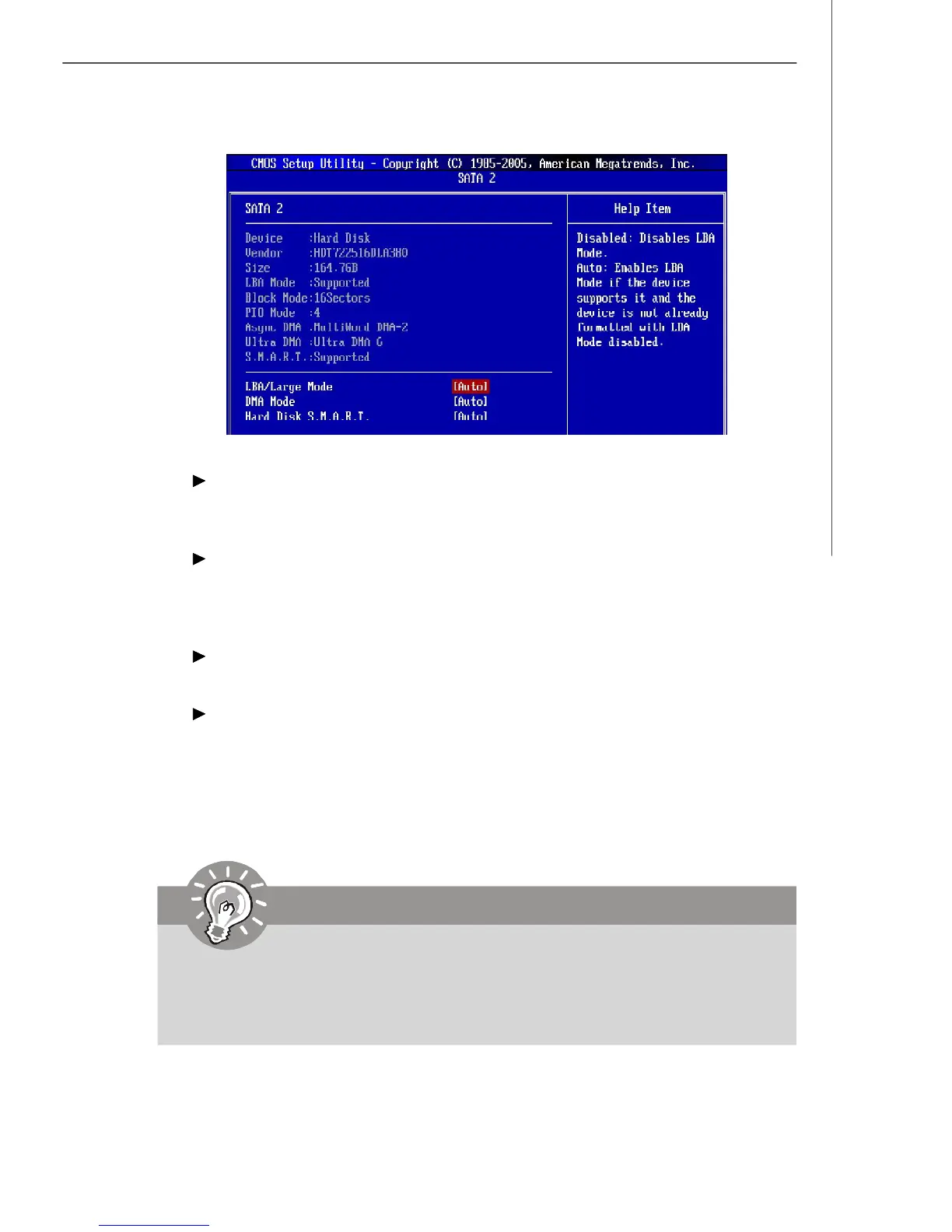
IDE Primary Master/ Slave, SATA 1/2/3/4/5/6
It will showing the device informations that you connected to the IDE/SATA
connector.
LBA/Large Mode
This allows you to enable or disable the LBA Mode. Setting to Auto enables LBA
mode if the device supports it and the devices is not already formatted with LBA
mode disabled.
DMA Mode
Select DMA Mode.
Hard Disk S.M.A.R.T.
This allows you to activate the S.M.A.R.T. (Self-Monitoring Analysis & Reporting
Technology) capability for the hard disks. S.M.A.R.T is a utility that monitors your
disk status to predict hard disk failure. This gives you an opportunity to move
data from a hard disk that is going to fail to a safe place before the hard disk
becomes offline.
Important
IDE Primary Master/ Slave are appearing when you connect the IDE
devices to the IDE connectors on the mainboard.
SATA 1/2/3/4/5/6 are appearing when you connect the SATA devices to the
SATA connectors on the mainboard and set them to AHCI or IDE mode.



 To Next Page