3. Download & Install App
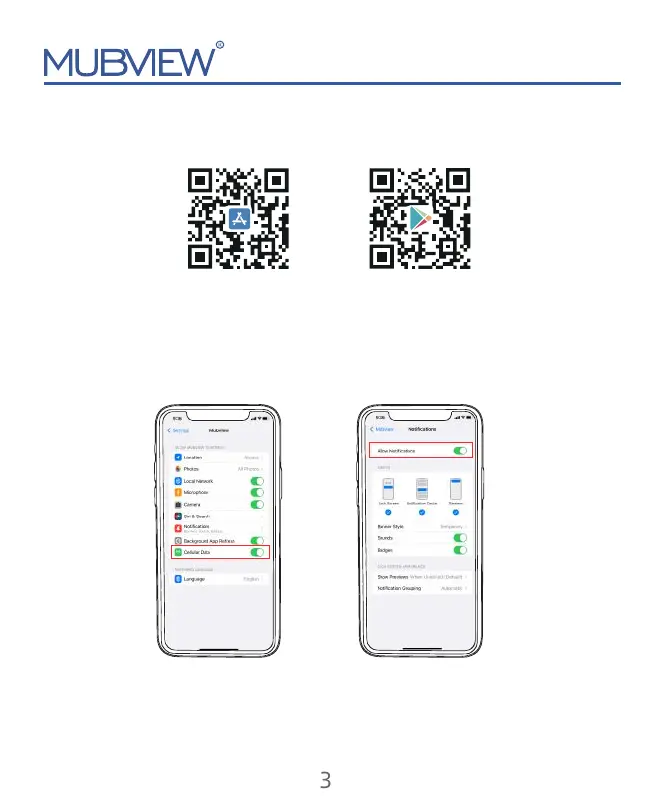
NOTE: Please turn on both of the following permissions.
* Allow Mubview App to access mobile cellular data and wireless LAN, otherwise it
will fail to connect the camera.
* Allow Mubview App to receive pushed messages, otherwise, the phone will not
receive alarms when motion is detected.
support@mubview.com
Android
iOS
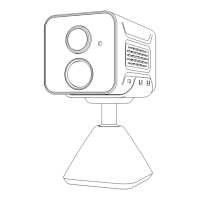
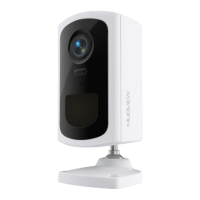
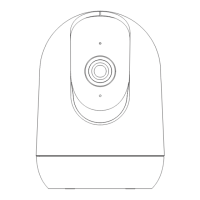
The camera supports Android and iOS systems.
Please scan the QR code or search 'Mubview' in the App store to download the App,
and follow the instruction to register an account.
If you encounter any problems during the installation, please feel free to contact us
via
support@mubview.com


 To Next Page