Need help?
Do you have a question about the MUBVIEW Q5 and is the answer not in the manual?
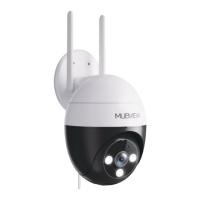
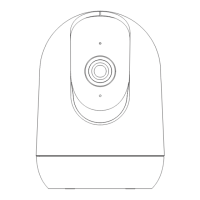
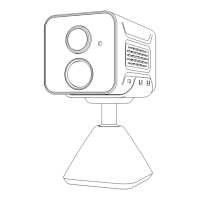
Details camera components like lens, sensors, ports, and explains the meaning of status indicator lights.
Pre-connection steps including SD card insertion, 2.4GHz WiFi requirement, and device proximity to router.
Step-by-step instructions for connecting the camera to WiFi via the app, including troubleshooting tips.
How to define specific monitoring areas within the camera's view to trigger notifications.
Setting weekly or daily schedules for when the camera should trigger alarms and send notifications.
Instructions on how to share camera access with other users through the Mubview app.
 General
| Resolution | 1080p |
|---|---|
| Motion Detection | Yes |
| Audio | Two-way audio |
| Weather Resistance | IP65 |
| Operating Temperature | -4°F to 122°F (-20°C to 50°C) |
| Lens | 3.6mm |
| Night Vision | Yes |
| Storage | Supports MicroSD card up to 128GB |
| Wireless/Connectivity | Wi-Fi 2.4GHz |
| Power | DC 5V/1A |
| Field of View/Viewing Angle | 120 degrees |

 To Next Page