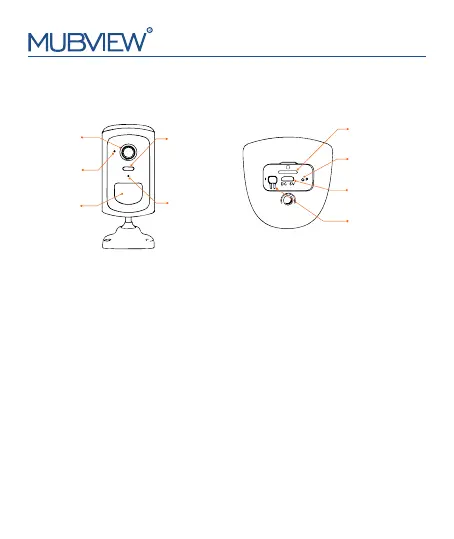
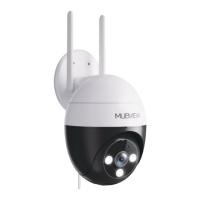
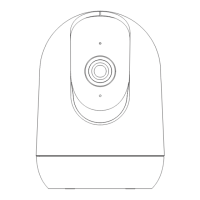
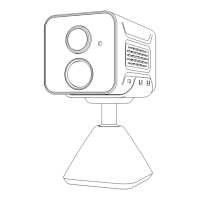
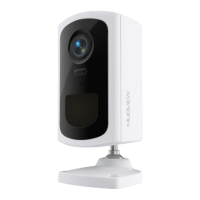
2.Product Appearance
support@mubview.com
PIR Sensor
Micro-USB Port
Lens
Status Light
spotlight
Microphone
Power Button
SD Card Slot
Reset Button
Power button:Pressing for 5-10 seconds topower on/power off.
Reset button:Pressing for 5 seconds until hearing 'Boogu' to reset.
SD card slot:Support local Micro SD card up to 128G.
Charging Indicator light:Red means charging, blue for fully charged.
USB Charge Port:Blink Slowly in Blue:Firmware update.
Status light:Blink Slowly in Red:Awaiting Wi-Fi connection.
Blink Fast in Red:Wi-Fi connecting.
Solid in Red:Network problem.
Solid in Blue:Wi-Fi connected.
2


 To Next Page