9
5:48
060238708
<
support@mubview.com
Enter “Device Share” in camera setting page to share camera with others.
Share steps:
1. B download Mubview App and create his new account in App.
2. Click 'Add' in App on A’s phone.
3. A scan B’s QR Code or input B’s account ID directly.
4. B accept share on his phone.
11.1 Device Share
11.Multi Device Management
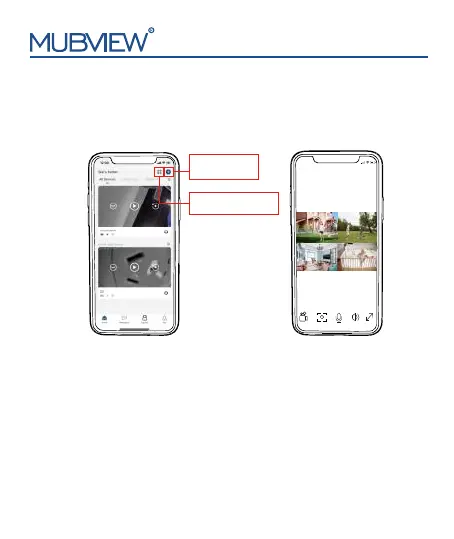
Click '+' to add
more devices
Watch 4 cameras
live at the same time
Mubview
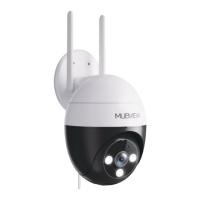
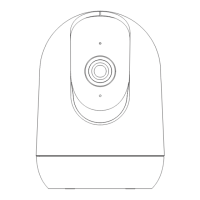
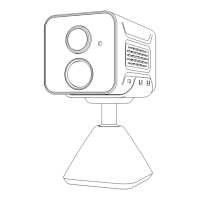
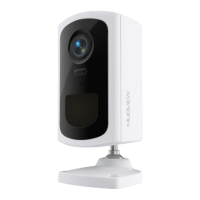
App can manage multiple Mubivew cameras or doorbells . You
can watch live of 4 cameras at same time in the App.


 To Next Page