support@mubview.com
4. Account Registration
5. Add Camera to App
A new user needs to register account in App with an email address.
Click 'Sign up' to register a new account.
Note:
* When register a new account, please choose the region you are
actually in and fill in correct country code. (People registered in
different regions can't share the camera.)
* Please register with e-mail address.
5.1 Preparations for connection
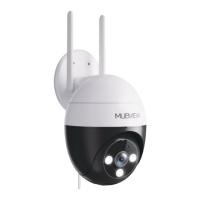
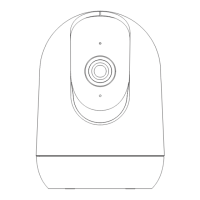
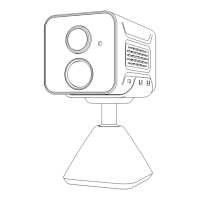
1. Before turn on the camera, insert a Micro SD Card to save video
clips or you can start the 3-day free cloud service. Without Micro SD
Card or cloud service, no video will be saved.
2. Make sure your WiFi is 2.4GHz. The camera only works with
2.4GHz WiFi, not support 5GHz.
3. Put the camera and your smart phone close (suggest 1-3 ft) to
the router when connect WiFi.
4


 To Next Page