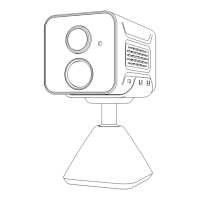
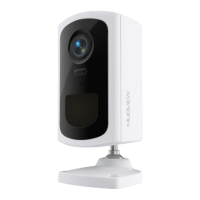
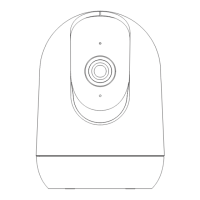
Q: What should I do if my camera doesn’t work?
A:1. Please find the 'Reset' hole at bottom of camera, use a pin to press it
for more than 5s to reboot the camera.
2. Power off the camera and power on again.
3. Add the camera to APP again.
Q: What if the SD card cannot be detected?
A: 1. Recommend brand cards such as San Disk, Samsung, etc.
2. Support 2-128GB capacity;
3. Recommend standard Class 10 SD cards.
4. Only FAT32 format is supported.
Note: Insert the memory card into the SD card slot of the device and the
device will automatically start saving the video.
Q: Why can't WiFi connect?
A: 1. Check WiFi name and password (password cannot contain special
symbols)
2. Make sure the WiFi is 2.4GHz. 5GHz is not supported.
3. Make sure the camera and mobile phone are in the same WiFi environ-
ment when connecting, and take them close to the router when connect to
WiFi.
Q: What should I do if the device is offline?
A: 1. Make sure the camera is in power. Observe whether the camera's status
indicator light is normal.
2. Check whether the WiFi network signal is good, or restart the router.
3. If the camera is installed far from the router, resulting in weak WiFi signal,
it is recommended to move the router to a closer location, or add a WiFi
signal expander to improve the signal.
support@mubview.com
9. FAQ
8


 To Next Page