26
MultiModemISDN User Guide
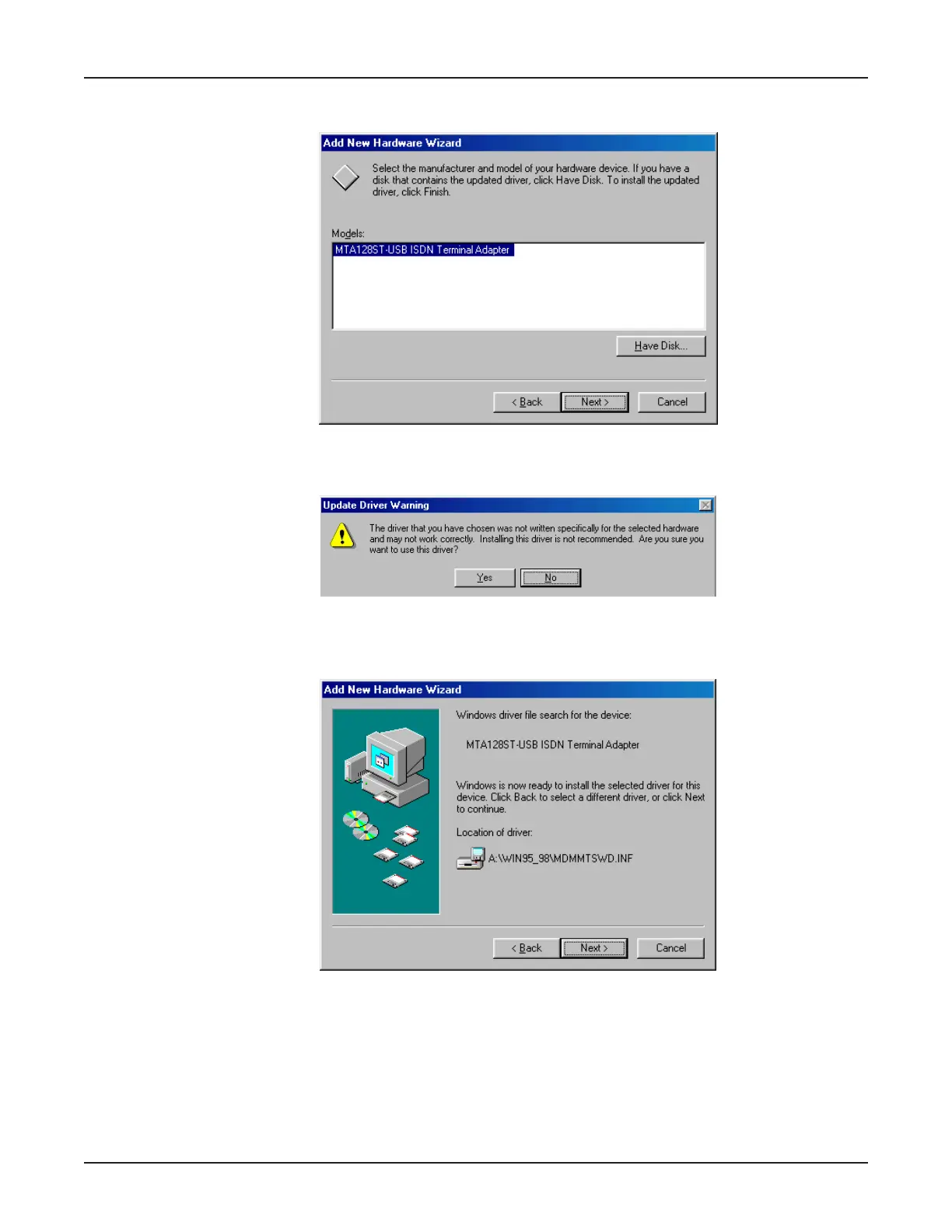
9. The Add New Hardware Wizard dialog box requests you to select the manufacturer and model of
your hardware device.
Select the
MTA128ST-USB ISDN Terminal Adapter
, and click Next>.
10. The Update Driver Warning dialog box displays.
Click Yes to continue the installation.
11. The Add New Hardware Wizard dialog box displays indicating it has located the driver on the
diskette.
Click Next>.



 To Next Page