28
MultiModemISDN User Guide
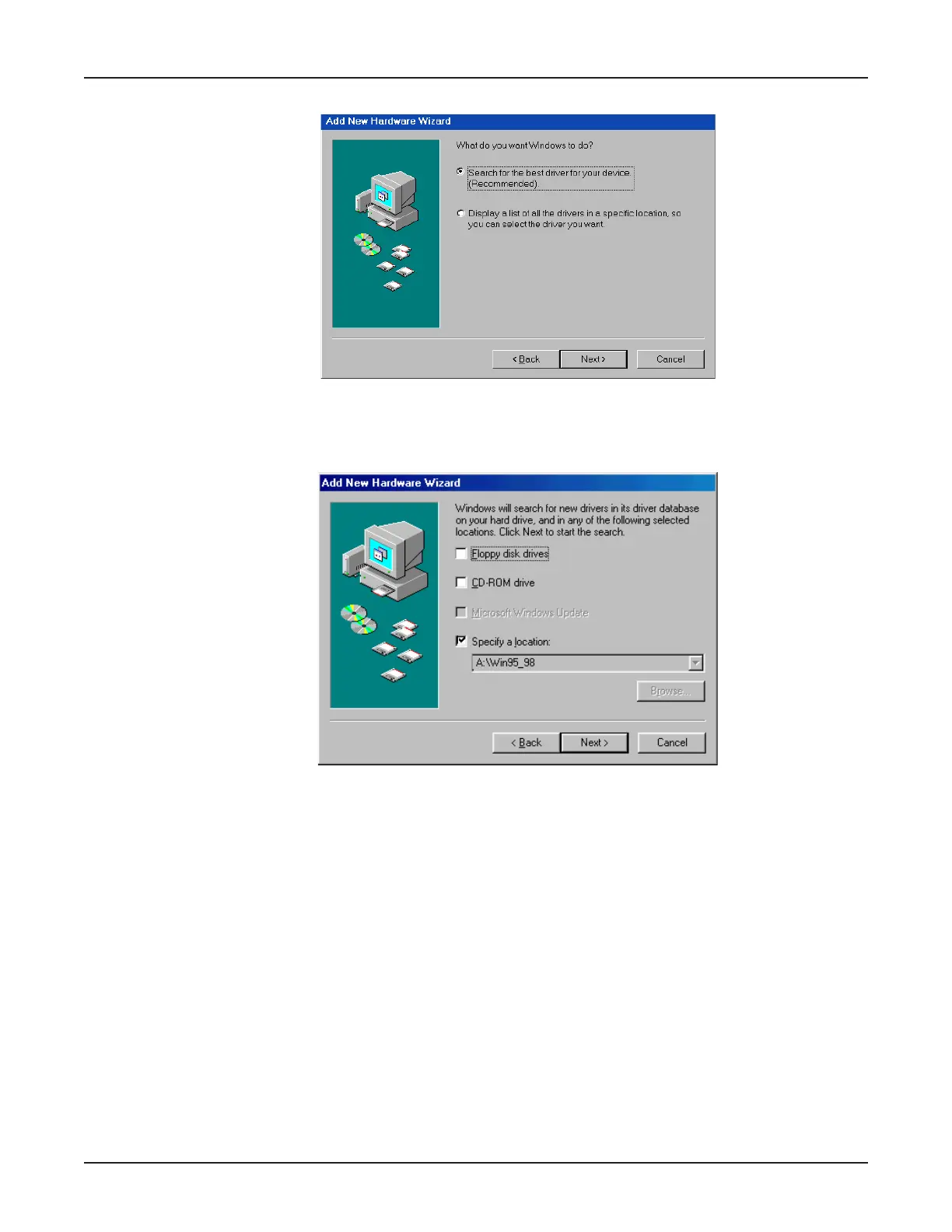
14. The New Hardware Wizard displays asking,
What do you want Windows to do?
Select
Search for the best driver for your device (Recommended)
. Click Next>.
15. The Add New Hardware Wizard dialog box displays, indicating Windows will search for new
drivers in the location you select.
Select
Specify a location
. Type A:\Win95_98 in the box. Ensure the MTA128-USB diskette is in
the computer’s floppy disk drive and click Next >.



 To Next Page