29
Chapter 3 - Software Installation and Configuration
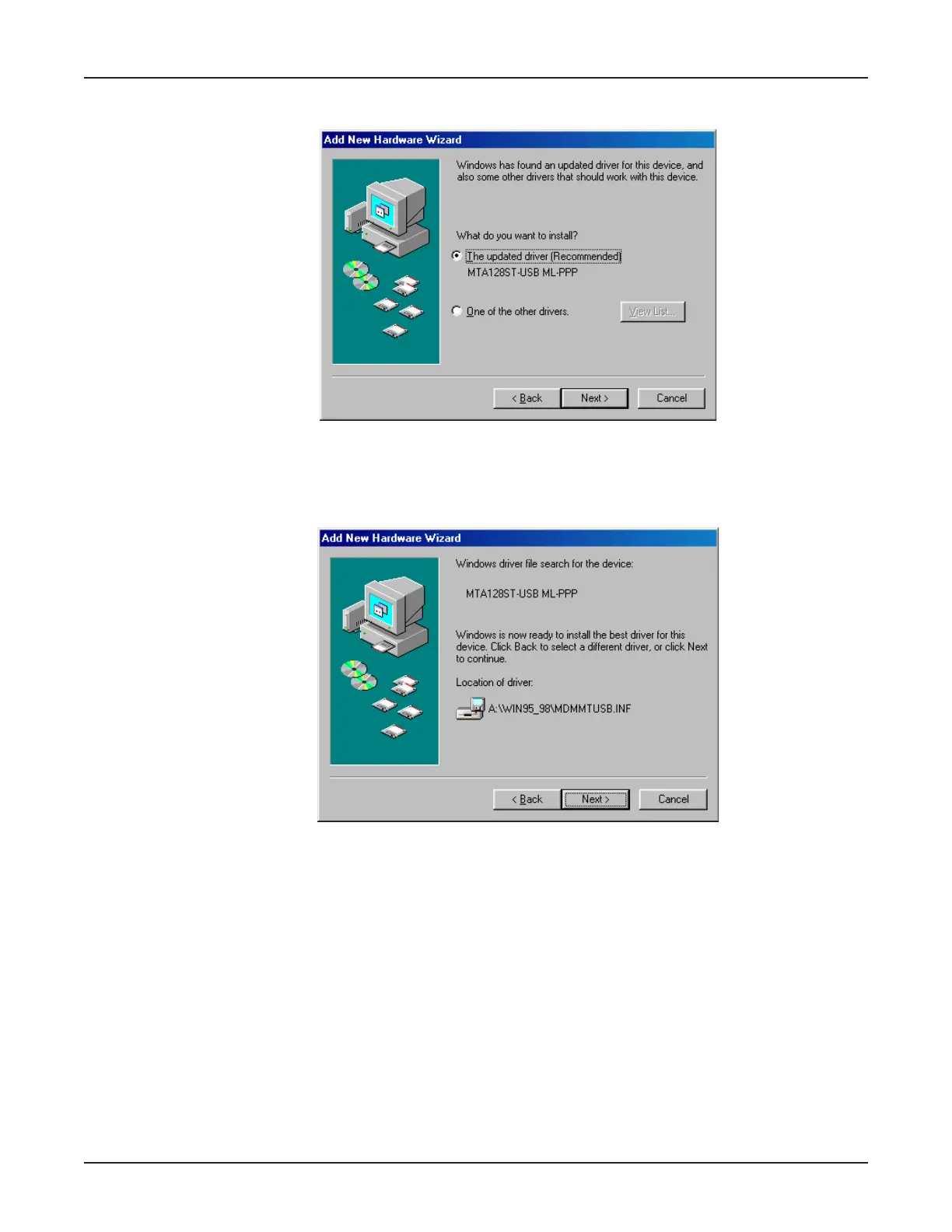
16. The Add New Hardware Wizard dialog box displays, indicating Windows has found an updated
driver for this device.
Ensure Select the updated driver (Recommended) MTA128ST-USB ML-PPP is selected. Click
Next>.
17. The Add New Hardware Wizard dialog box displays indicating that Windows has selected the
proper driver from the installation disk and displays the information for verification.
Click Next > to install the driver.



 To Next Page