30
MultiModemISDN User Guide
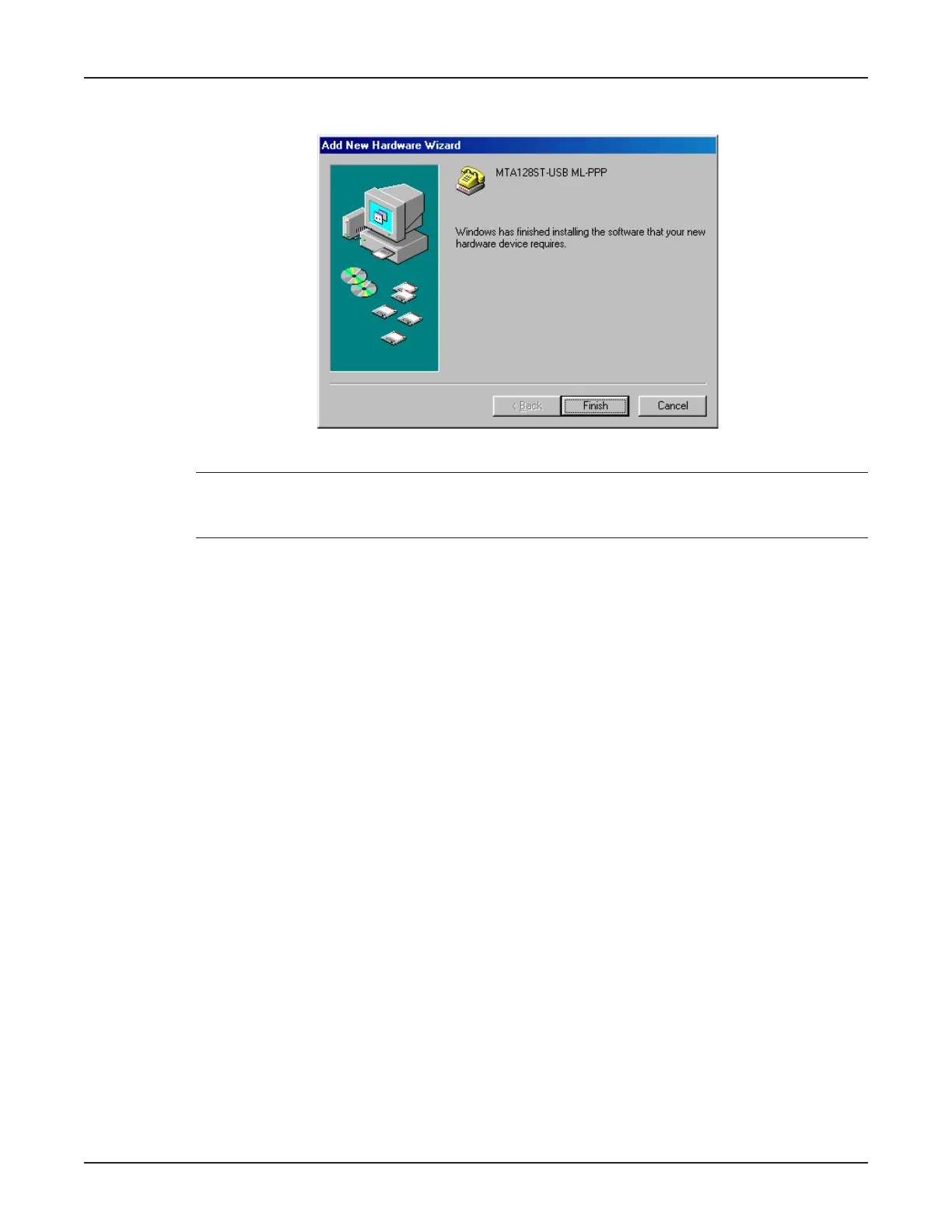
18. Windows proceeds to copy the files to the system and then displays the Add New Hardware
Wizard dialog box, indicating that Windows has finished installing the software.
Click Finish to complete the installation and exit the wizard.
Note: To verify successful installation of the Auxiliary Drivers and the MTA128ST-USB modem, right
click My Computer, then select Properties | Device Manager. Expand the Auxiliary Drivers and
Modem icons to view the MTA128ST-USB information.



 To Next Page