Chapter 2 - Installation
14 Multi-Tech Systems, Inc. MT9234ZPX User Guide
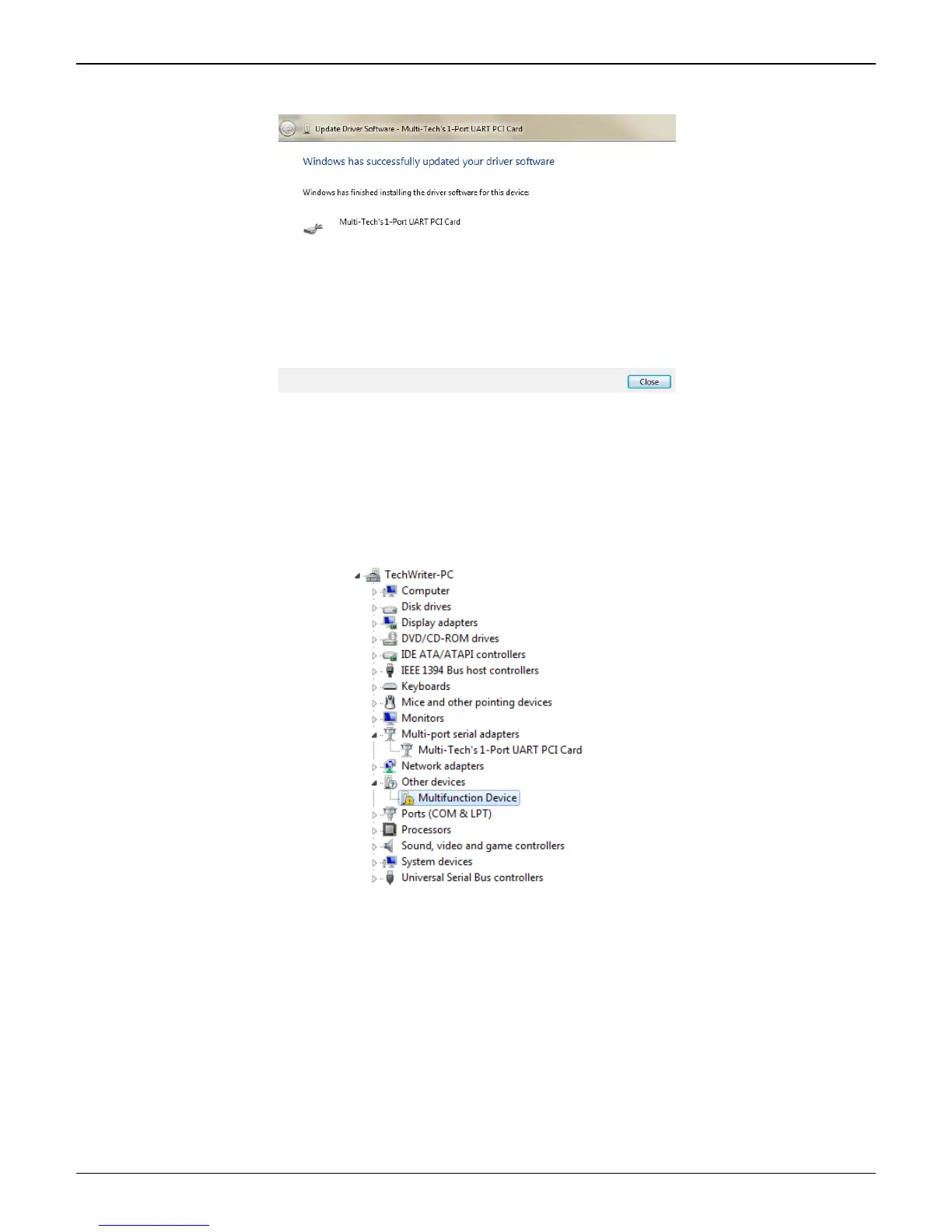
8. When the software for this device has been updated. The Windows screen Multi-Tech 9234ZPX is
displayed.
Click Close.
Continue to the next section for the completion of the installation.
Windows 7 Port Installation
Immediately after the MultiModem ZPX driver installation is complete, another set of installation wizard screens will
appear. With this installation wizard, you will install the port and modem into the computer's operating system and
then associate the modem with its port.
1. Go to Start | Control Panel | System and Security | System and click on Device Manager.
Right-Click on the PCI Serial Port in Other devices and a submenu will come up; now click on Update
Driver Software.















 To Next Page