Chapter 2 - Installation
24 Multi-Tech Systems, Inc. MT9234ZPX User Guide
InstallationoftheCommunicationsPort
The second install wizard installs the drivers for the Multifunction Device, Multi-Tech Communications Port
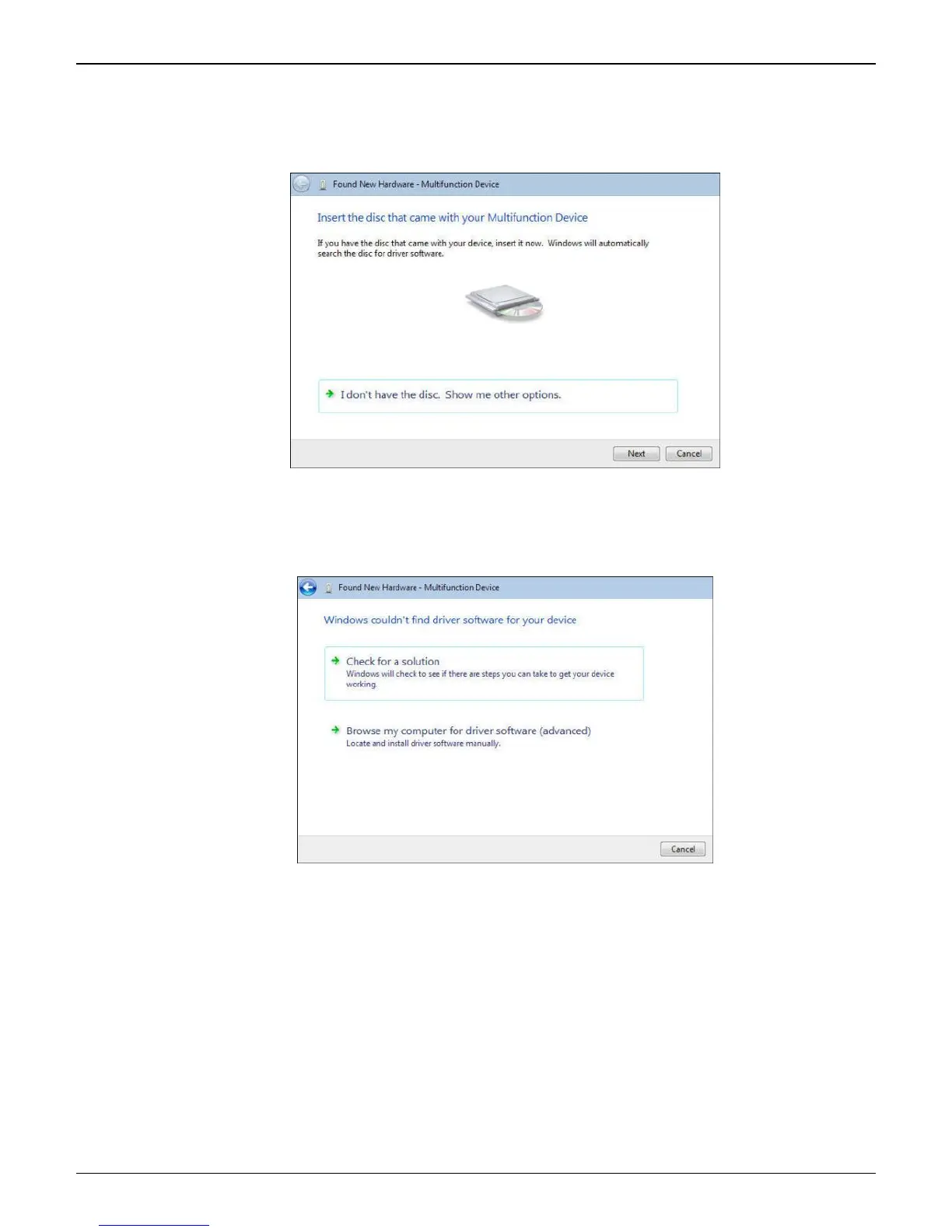
1. The Found New Hardware – Multifunction Device with Insert disc that came with your Multifunction
Device screen appears.
Click on I don’t have the disc. Show me other options.
2. The User Account Control – Windows needs your permission to continue screen appears. Click
Continue.
3. Windows couldn’t find driver software for your device screen appears.
Choose Browse my computer for driver software (advanced).















 To Next Page