Chapter 2 - Installation
26 Multi-Tech Systems, Inc. MT9234ZPX User Guide
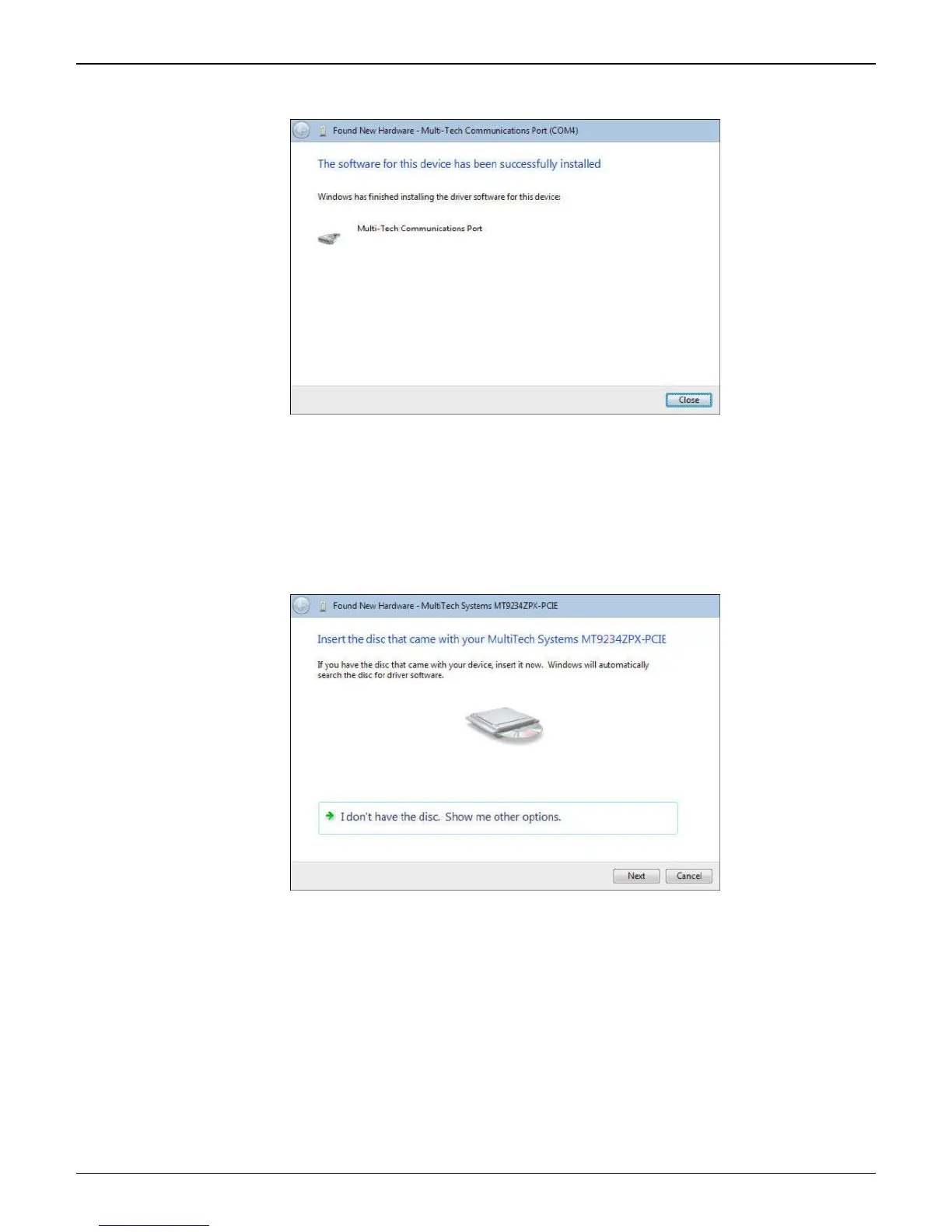
7. When the software for this device has been successfully installed screen appears with Windows has
finished installing the driver software for this device: Multi-Tech Communication Port (COM4).
8. Click Close.
This completes the installation of the drivers for the Multifunction Device.
InstallationoftheModem
The third install wizard installs the modem drivers for the MT9234ZPX-PCIE.
1. The Found New Hardware – MultiTech Systems MT9234ZPX-PCIE with Insert disc that came with your
MultiTech Systems MT9234ZPX-PCIE screen appears.
Click on I don’t have the disc. Show me other options.
2. The User Account Control – Windows needs your permission to continue screen appears. Click
Continue.















 To Next Page