Chapter 2 - Installation
Multi-Tech Systems, Inc. MT9234ZPX User Guide 33
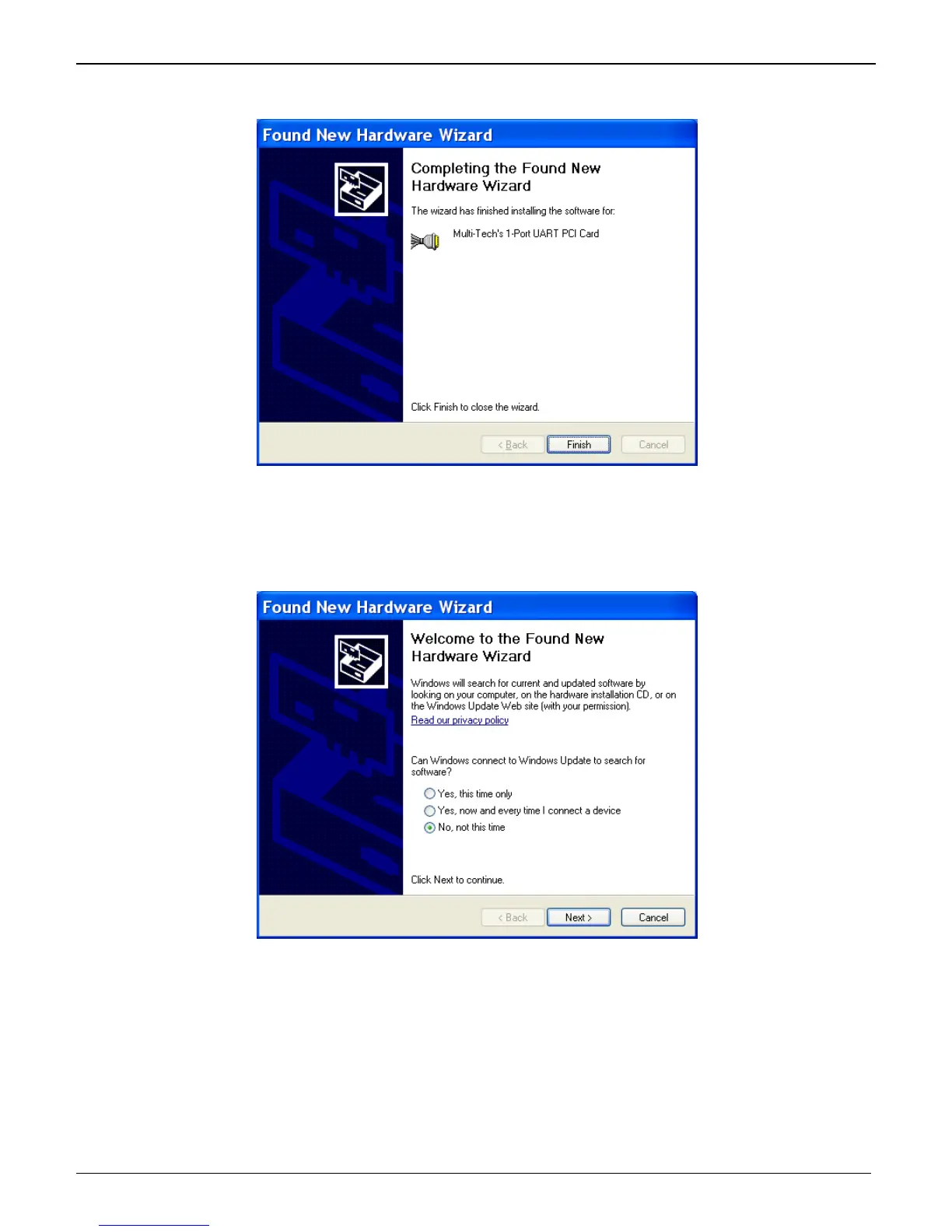
10. A completing the Found New Hardware Wizard screen appears. This wizard installs the software for:
Multi-Tech’s 1-port UART PCI Card.
Click Finish.
InstallationoftheCommunicationsPort
The wizard will install the files for the Multi-Tech Communications Port.
1. The Welcome to the Found New Hardware Wizard screen appears.
In response to the question, “Can Windows connect to Windows Update to search for software? Select
“No, not this time” and click Next.















 To Next Page