Chapter 2 - Installation
34 Multi-Tech Systems, Inc. MT9234ZPX User Guide
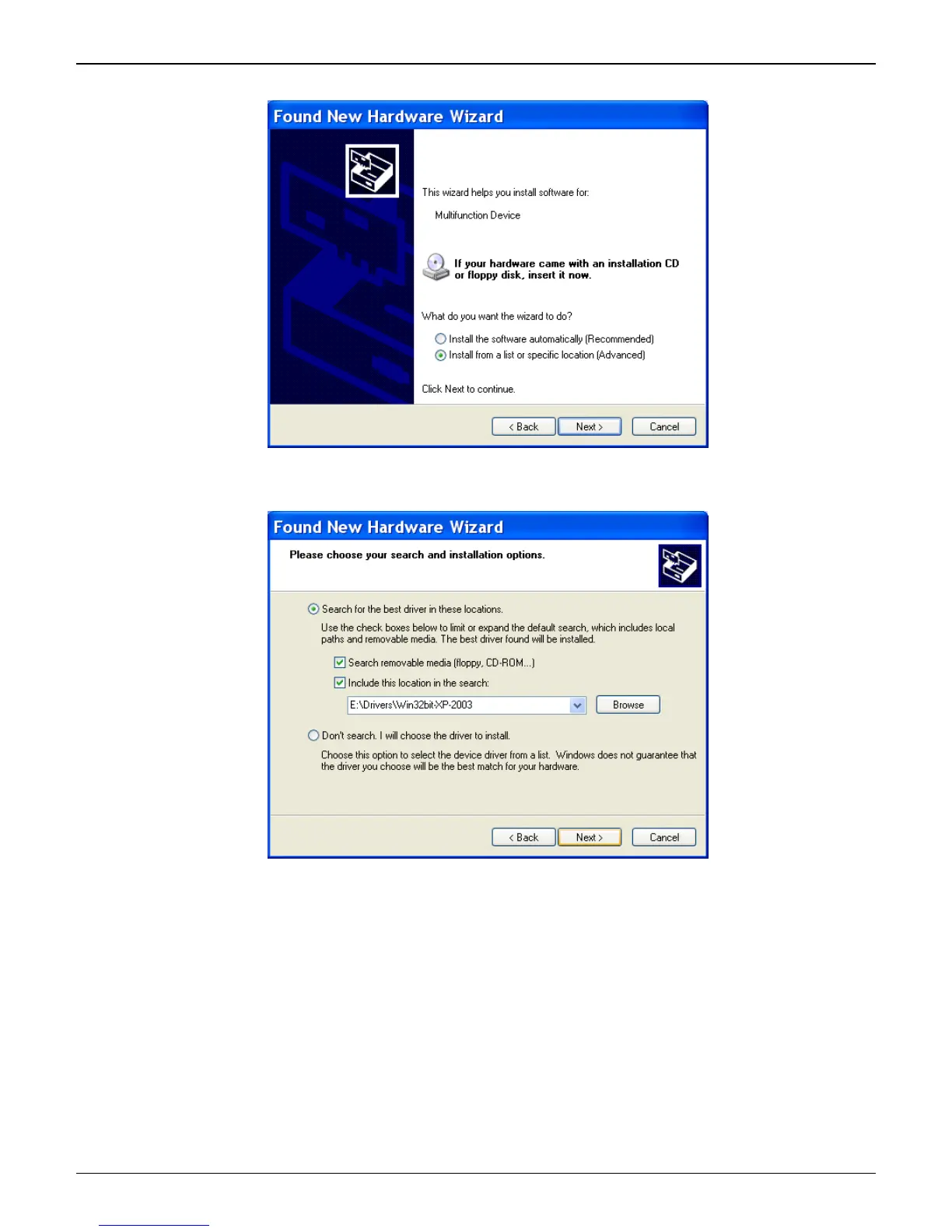
2. This wizard helps you install software for: Multifunction Device.
Select Install from a list or specific location (Advanced). Click Next.
3. The Please choose your search and installation options screen appears.
Ensure that Search for the best driver in these locations is selected and that Include this location in
the search is also selected. The Browse window shows the drive location, for example,
E:\Drivers\Win32bit-XP-2003. Click Next.















 To Next Page