Chapter 2 - Installation
Multi-Tech Systems, Inc. MT9234ZPX User Guide 29
DriverInstallationforWindowsXPand2003OperatingSystems
If you did not use the pre-installer for Windows, this is the process for installing your modem.
The MT9234ZPX driver installation is done in three parts, each directed by an installation wizard. The three parts
are installation of the: (1) PCI Serial Port, (2) Communications Port/Multifunction Device, and (3) modem.
Preliminaries
1. Power up your computer.
2. Windows will detect that the new modem is present.
InstallationoftheSerialPort
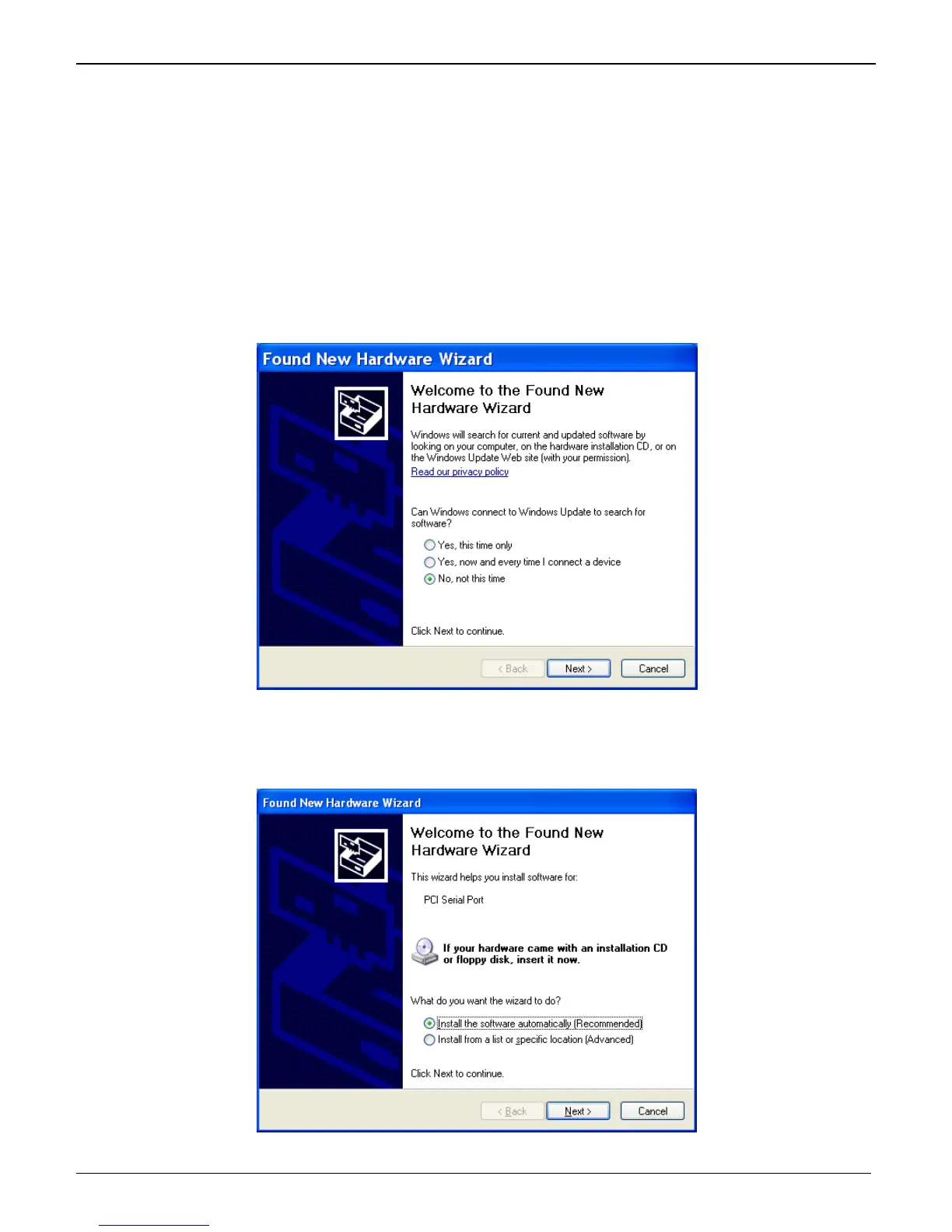
This wizard will install the files for the PCI Serial Port.
3. The Welcome to the Found New Hardware Wizard screen appears.
In response to the question, “Can Windows connect to Windows Update to search for software?” select “No,
not this time” and click Next.
4. The next screen prompts you to insert the product CD into the computer. Insert the product CD, select
“Install from a list or specific location (Advanced)”.
Click Next.















 To Next Page