Chapter 2 - Installation
30 Multi-Tech Systems, Inc. MT9234ZPX User Guide
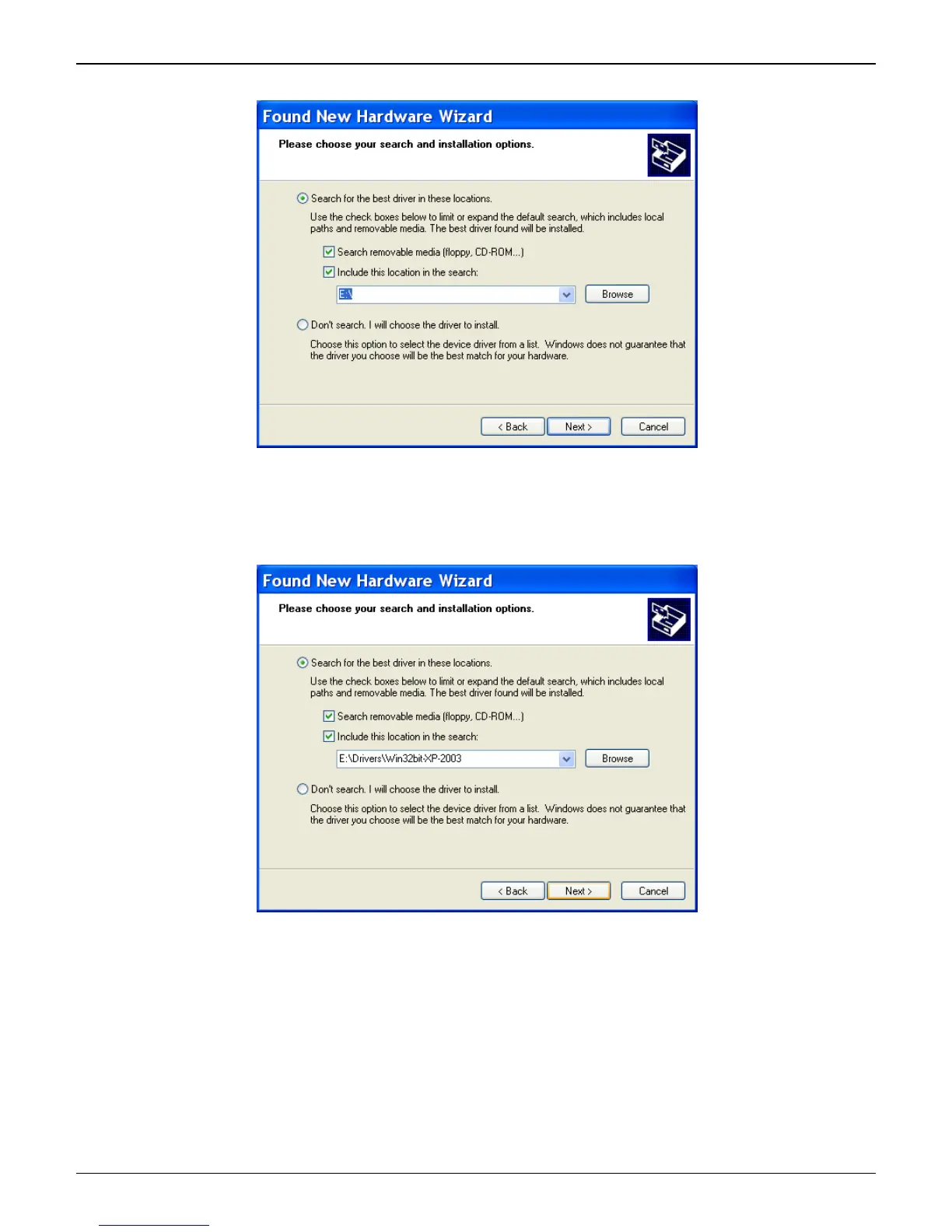
5. At the Please Choose Your Search and Installation Options screen.
Select Include this location in the search: and Click Browse. Browse to the Drivers folder on
your MultiModem ZPX product CD, and then select the Drivers folder. Within the Drivers folder,
select Win32bit-XP-2003 folder.
If you are installing drivers on an XP 64-bit Operating System, you would browse to the Win64bit-
XP-2003 folder.
Click Next.















 To Next Page