Chapter 2 - Installation
Multi-Tech Systems, Inc. MT9234ZPX User Guide 23
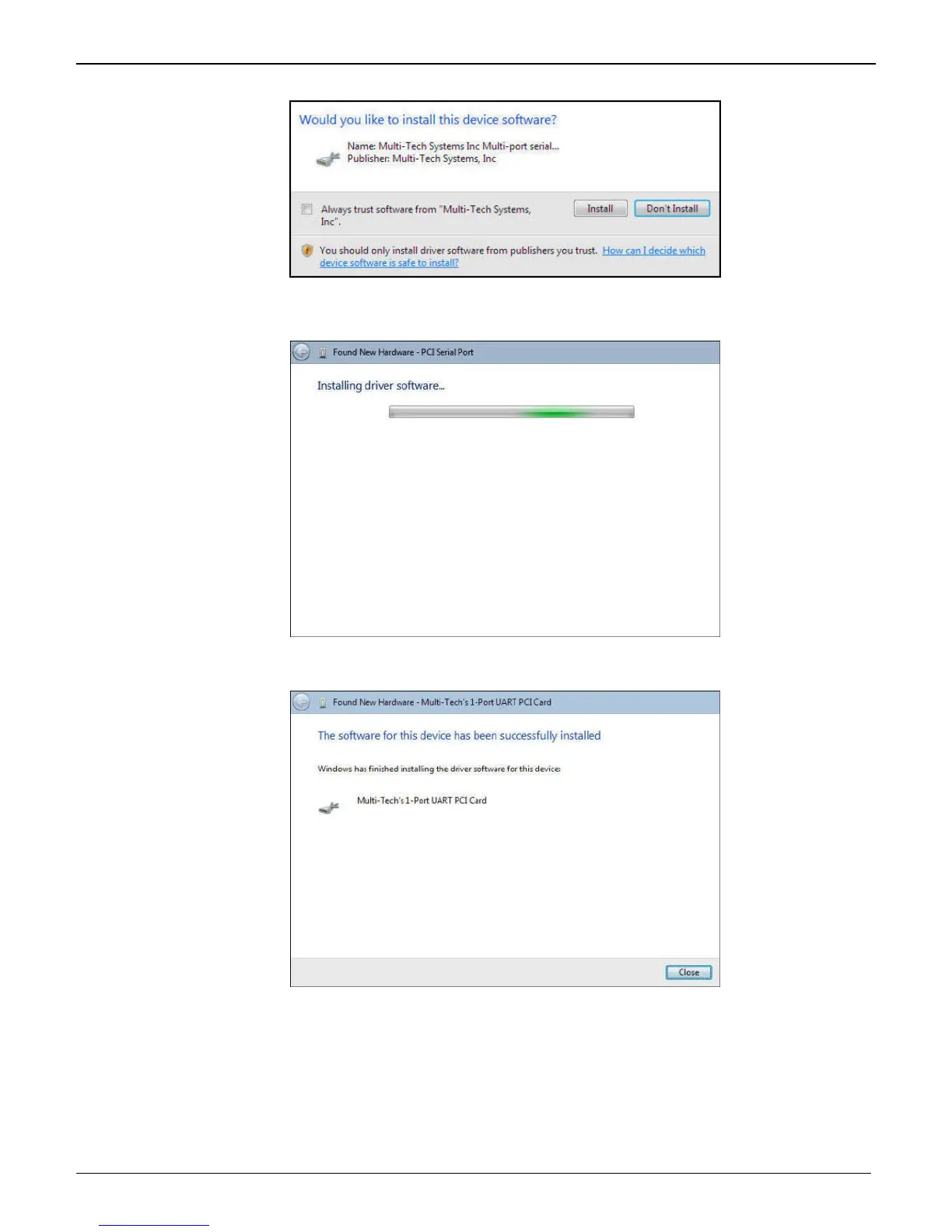
8. Would you like to install this device software? screen appears.
Click Install.
9. Installing driver software on PCI Serial Port screen appears.
10. When the software for this device has been successfully installed screen appears with Windows has
finished installing the driver software for this device: Multi-Tech’s 1-Port UART PCI Card.
Click Close.
This completes the installation of the drivers for the serial port.















 To Next Page