Chapter 2 - Installation
20 Multi-Tech Systems, Inc. MT9234ZPX User Guide
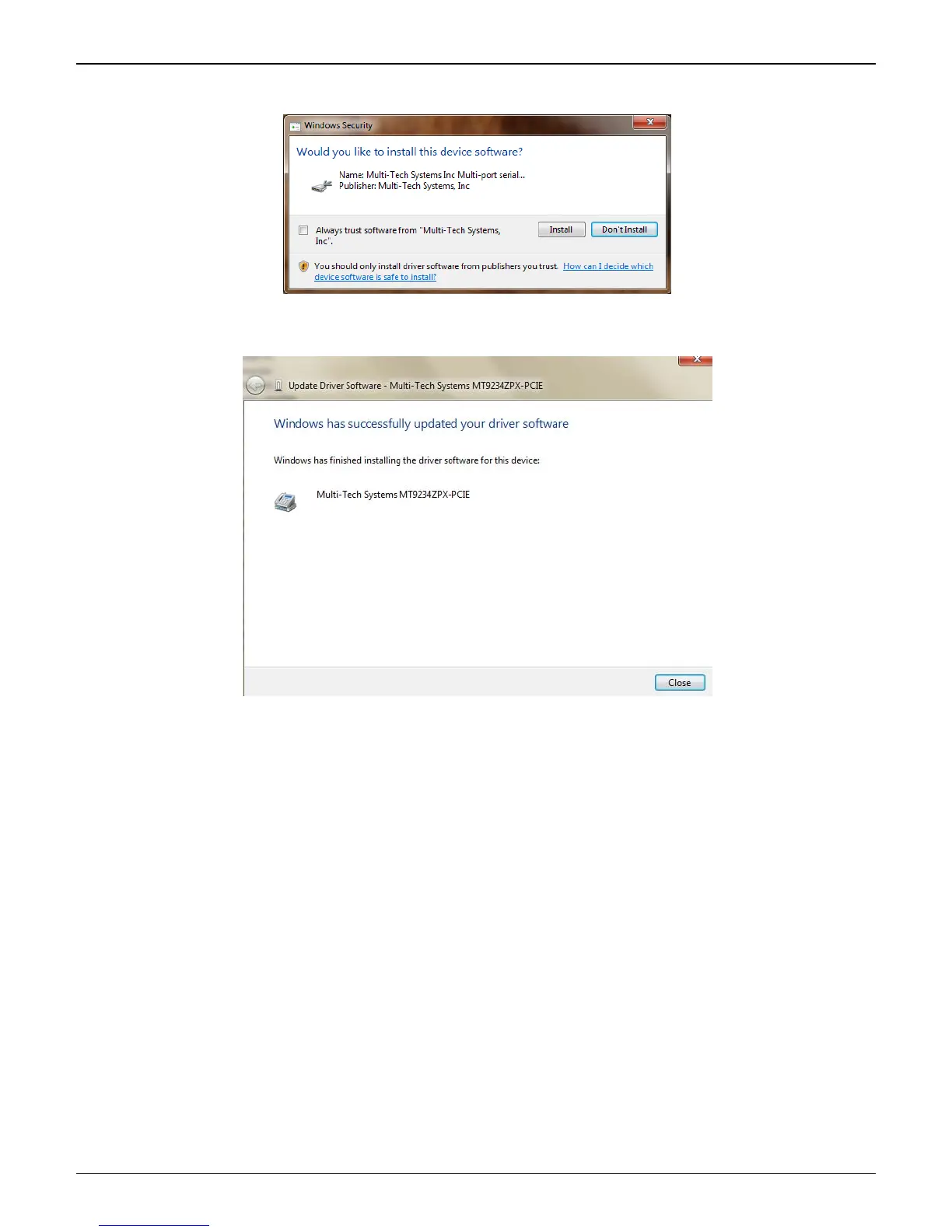
3. The Windows Security ‘Would you like to install this device software?’ screen appears.
Click the Install button to continue.
4. When the software for this device has been updated, the Updated Driver Software window is displayed.
Click Close.
You may also close the Device Manager and Control Panel windows.
Completion
Software installation for the MultiModem ZPX is complete. You may need to configure the modem for your
country/region, refer to ‘Configure the modems for your Country’ at the end of this chapter.















 To Next Page