Chapter 2 - Installation
Multi-Tech Systems, Inc. MT9234ZPX User Guide 7
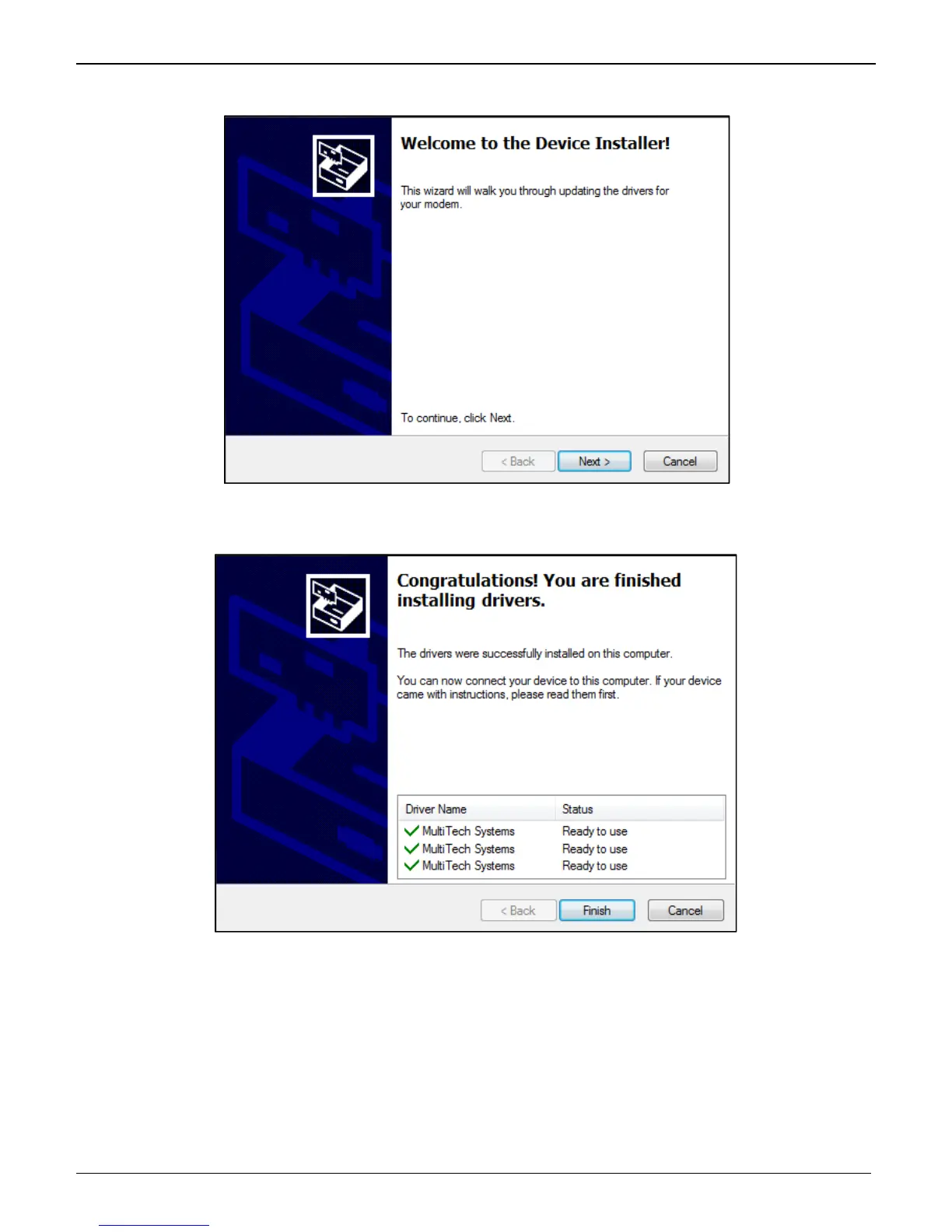
4. Click on the next button to start the driver pre-installation.
5. You will be prompted 3 times to confirm the installation of the three necessary drivers. Click the Install
button to continue each time.
6. There will be a transitory screen, then the process will complete. Click on the Finish button.
7. Your driver installation is complete.
8. You can now shut down the PC, unplug the power cord and physically install your modem per the
instructions found in the next section “Physically Installing your MultiModem”.
9. After the hardware installations, Windows will detect the ZPX as installed and complete the process.















 To Next Page