Chapter 2 – Activation and Installation
Multi-Tech Systems, Inc. MultiModem Cell User Guide 15
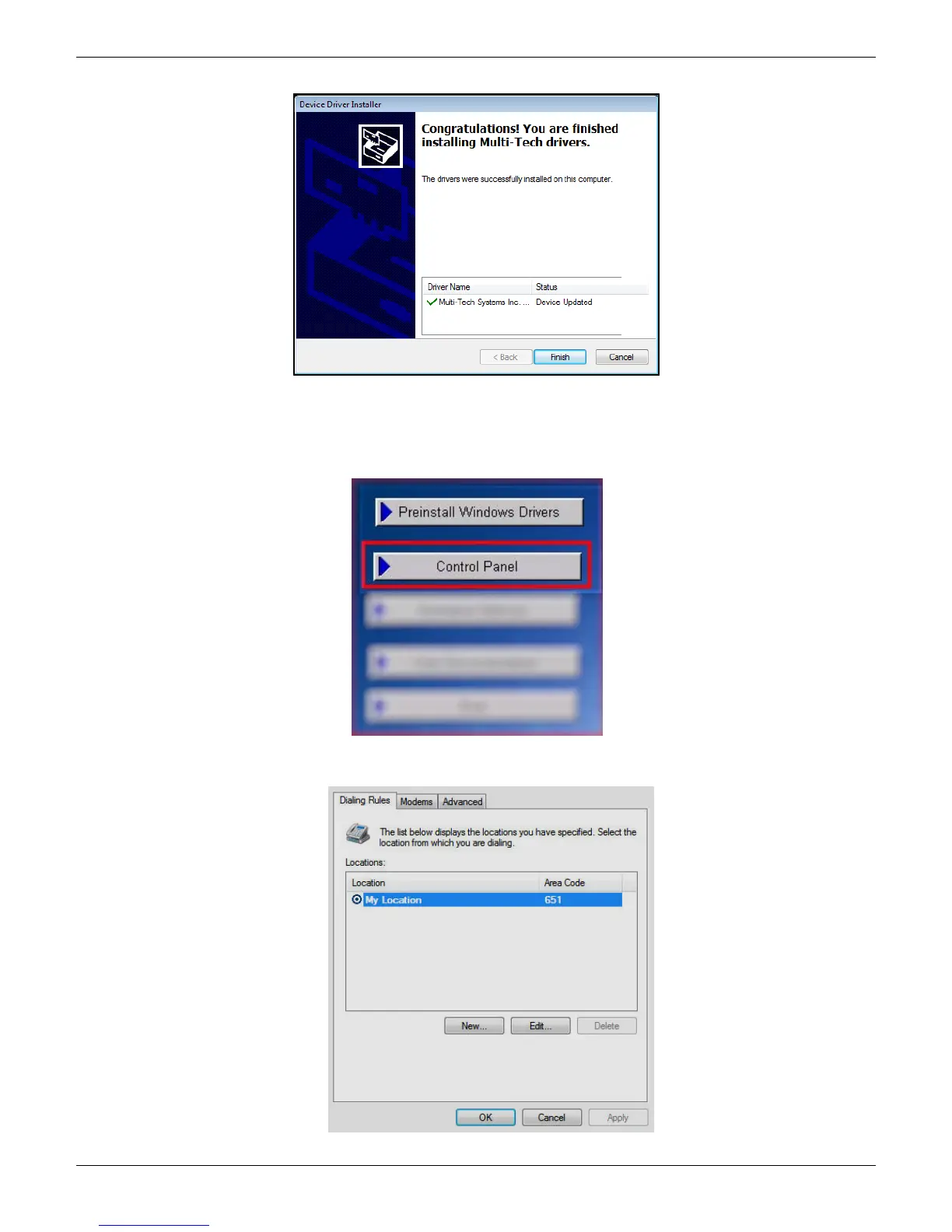
8. There will be a transitory screen, then the process will complete. Click on the Finish button.
9. Next, continue with installing the modem driver.
Install the Modem Driver
1. Click on the Control Panel button from the main splash screen on the CD.
2. The Control Panel is displayed, double-click on Phone and Modem Options icon. Then click on the Modems tab.














 To Next Page