Chapter 1 – Product Description and Specifications
10 Multi-Tech Systems, Inc. MultiModem GPRS Wireless Modem User Guide
Interfaces
LEDs
Transmit Data. Lit when modem is transmitting data.
Receive Data. Lit when modem is receiving data.
Carrier Detect. Lit when data connection has been established.
Line Status.
Continuous “on” state indicates that the wireless modem is not registered on the network.
Flashing state indicates registration on network.
Off state. Modem is off (not ready) or in download mode.
Terminal Ready. Commonly called “Data Terminal Ready.” This is a readiness signal from the
PC.
Power. Indicates presence of DC power when lit.
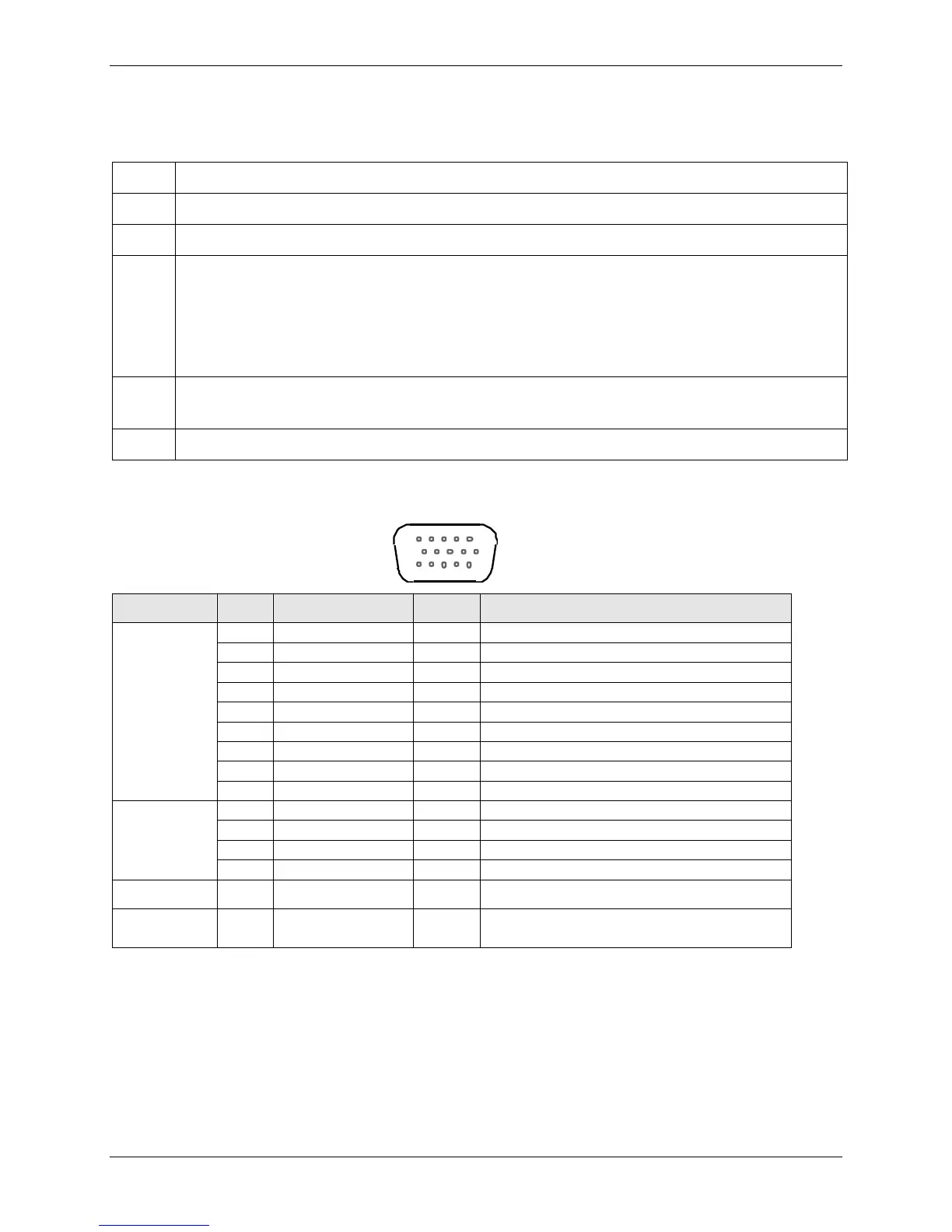
RS232 15-Pin Connector Pinout
To reset, connect to GND momentarily
(typical: 2mSec). Open for normal operation.
AT Command Information
AT commands for the GPRS wireless modem are published in a separate reference guide. You can find
this guide on the Multi-Tech website.
IP commands for GPRS modems are also published in a separate reference guide. This guide is also
included on the Multi-Tech website.














 To Next Page