0
1
2
34
5
6
78
SWITCH-ON
MESSAGE
TONE
LED
VIBRATE
ADDRESS
LCD
SEGMENTS
SECONDS
RPR 550IS Series
TM1188 Issue 1Page 2 - 4
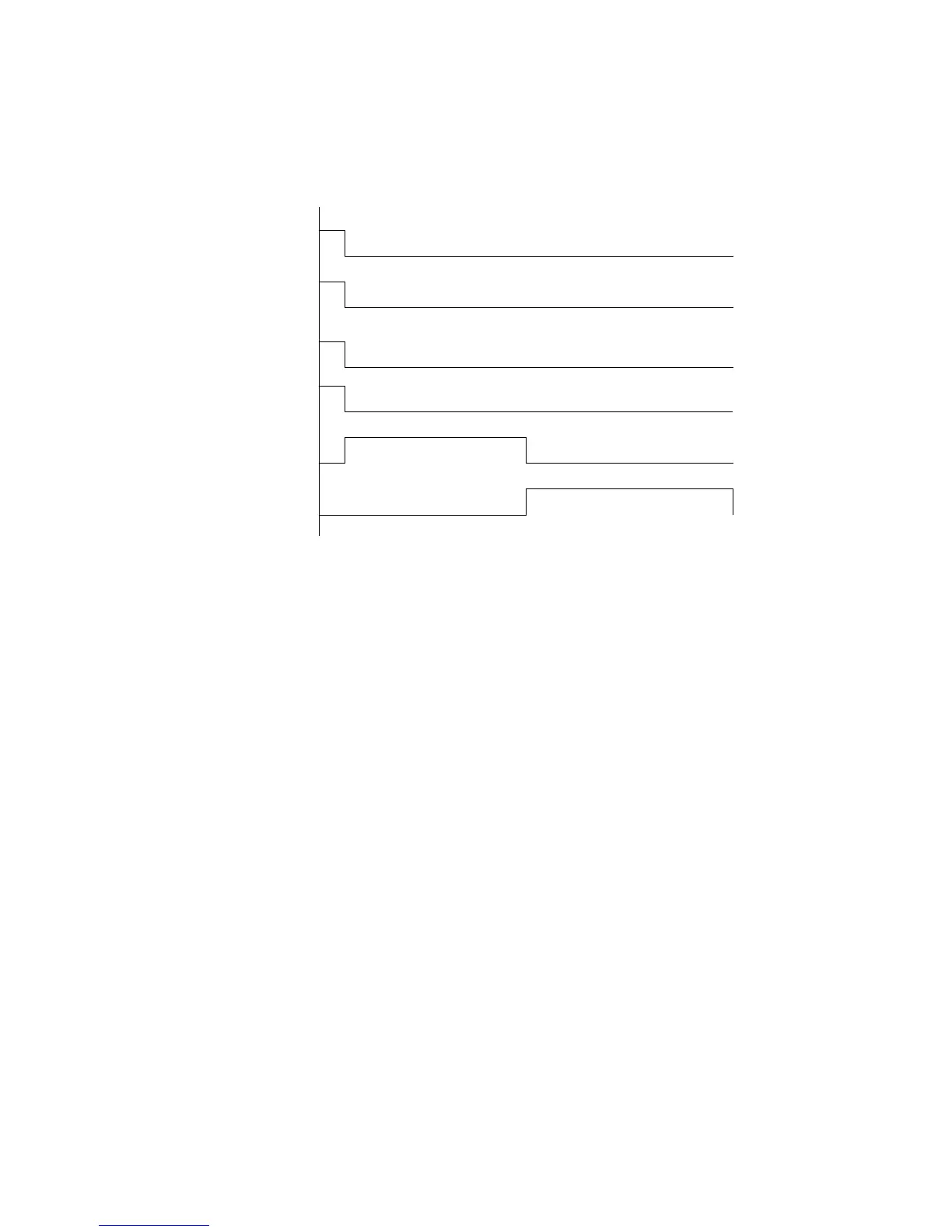
Figure 2: Switch-on Sequence
NOTE: If Permanent On has been incorporated, switching on is not necessary but
the pager resets and gives a short beep (deleting any stored messages)
each time Off is pressed.
Display Mode
7. There are two options for the display mode:
a) On-demand display - the quiescent display is blank, except for the ON icon, unless
an alert is in progress, the pager has changed status or a button has been pressed.
b) Continuous display - the display is always active, showing the highest priority
status information except when receiving a call. In the quiescent display condition
the pager shows the highest priority status message (see Table 1).
Status Information
8. Press the Cancel button once when the pager display is in the quiescent condition. The
screen shows `
status >'
followed by the status messages shown sequentially at 1s
intervals in order of priority (see Table 1). However, `
on
' is only shown on the display
when there are no other status messages. The pager display reverts to the quiescent
condition 1s after the lowest priority status message has been displayed.



 To Next Page