DehumidierML420-MLT1400
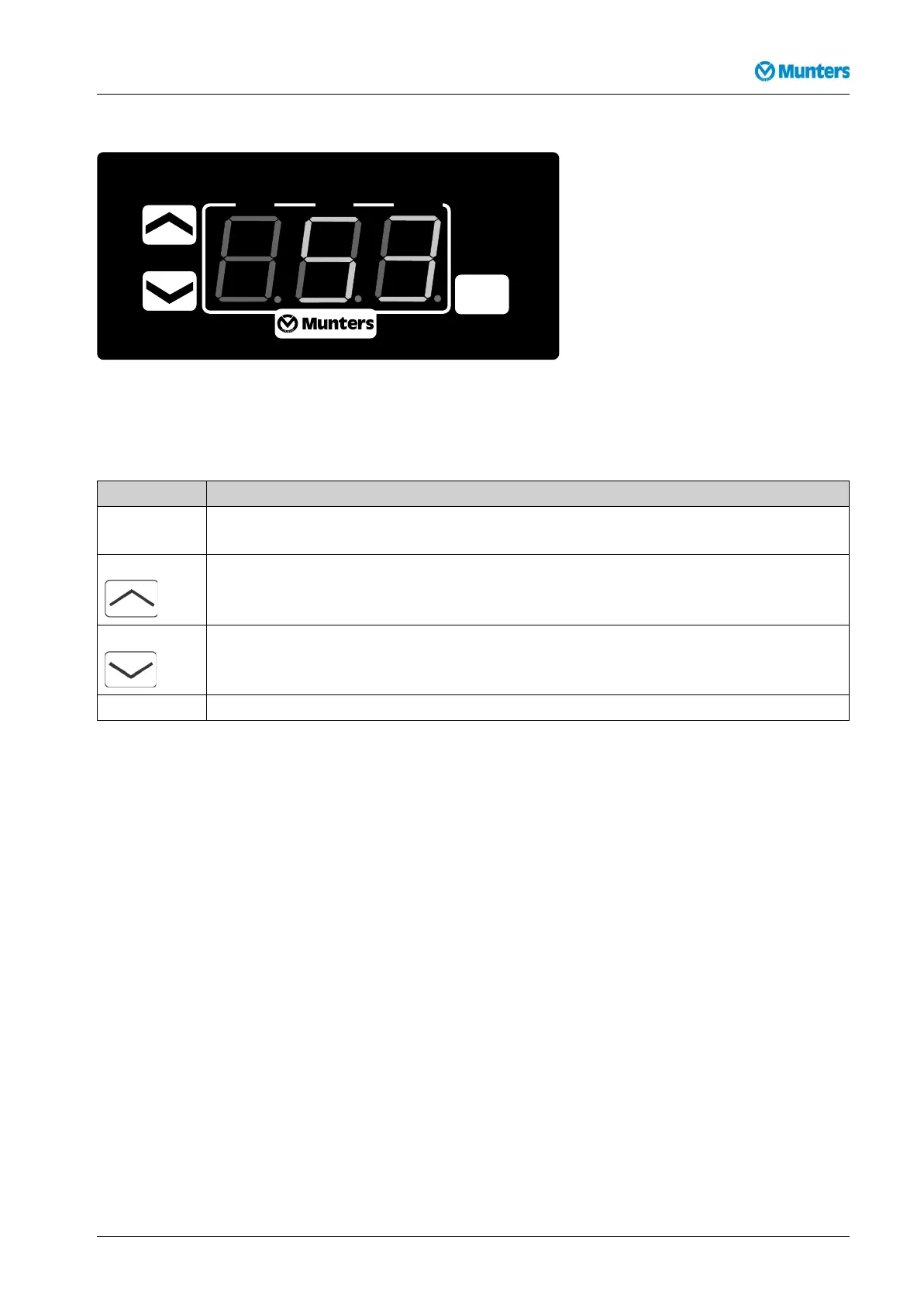
6.5RH98operatorpanel
SET
RH 98
%RH
OUT.1
OUT.2
ALARM
Figure6.3RH98operatorpanel
Checkingandchangingsetpointsandcontrolparameterscanbemadeduringoperationorinstand-by
mode.
ButtonFunction
Display/changeacertainvalueandresetthealarm
Increasethevalue
Decreasethevalue
%RH:Displaypositionofcontrolstepsforreactivationheater(0=off;1=on).
Table6.2RH98operatorpanelfunctions
Duringnormaloperationandinanypositionofthemodeswitchthecurrentrelativeairhumidityis
displayed.
6.6Operatingtheunit
6.6.1Manualmode
1.Setthemainpowerswitchto”1”(on)andcheckthatthemainsconnectionindicationlamplights.
2.SetthemodeswitchonthecontrolpaneltoMAN.Checkthatthefollowingindicatorlampslight:
■Mainssupplyconnectionindicator
■Unitrunningindicator
■Bothindicatorsforthereactivationheater
■Bothprocessairandreactivationairfanindicators
■Drivemotorindicator
3.Lettheunitrunforabout8minutestoallowtheoperatingconditionstostabilise.Thencheckthatthe
reactivationheaterisworking(temperatureindicatorshowsthetemperatureofthereactivationair).
190TGB-1035-H1604Operation21



 To Next Page