EasyManua.ls Logo

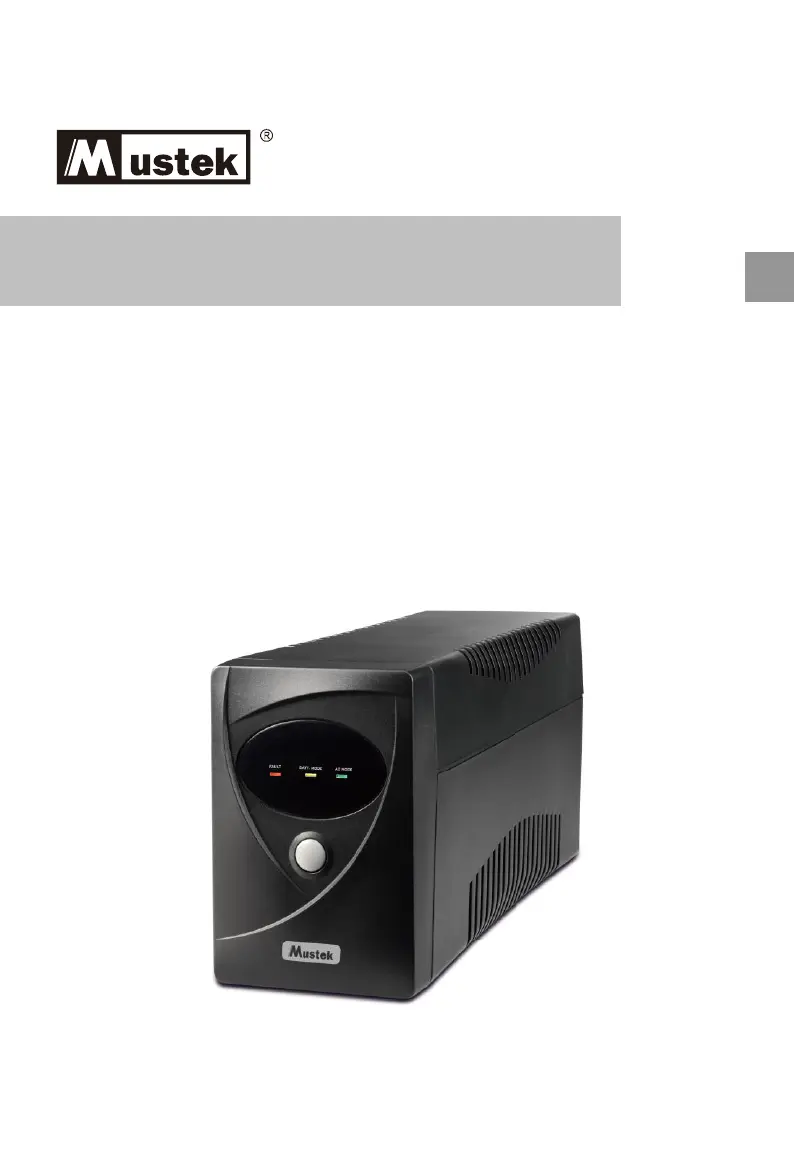
Mustek Power Must 424 - User Manual

Mustek Power Must 424
32 pages
Print Icon
To Next Page IconTo Next Page
Loading...
PowerMust 424/636/848
Line Interactive UPS
Startup Manual
EN

Questions and Answers

  • L
    laurenboydAug 11, 2025
    What to do if Mustek UPS is always on battery mode?
    • M
      michael03Aug 11, 2025
      If your Mustek UPS is constantly running on battery, check the following: * Ensure the power cord is securely plugged in. If it's loose, re-plug it. * Inspect the fuse; if it's burned, replace it with the same type. * The AC utility power might be too high, too low, or experiencing a blackout, which is a normal condition for battery mode operation.
  • B
    boydjosephAug 19, 2025
    Why is the backup time shortened on my Mustek Power Must 424 UPS when the power fails?
    • J
      John HicksAug 19, 2025
      If the backup time of your Mustek UPS is shorter than expected during a power failure, consider these factors: * The UPS might be overloaded. Try removing some noncritical devices connected to it. * The battery voltage could be too low. Charge the battery for at least 4 hours. * The battery may be defective due to high temperature or improper operation. In this case, replace it with the same type of battery.
  • S
    Shane LaraAug 27, 2025
    How to fix no LED display on Mustek Power Must 424 UPS front panel?
    • P
      Patrick MurrayAug 27, 2025
      If there is no LED display on the front panel of your Mustek UPS, it could be due to: * Low battery voltage: Charge the UPS unit for up to 4 hours. * Battery failure: Replace the battery with the same type.
  • M
    Melanie SmithSep 3, 2025
    What to do if the red LED is on Mustek Power Must 424?
    • G
      Gary FritzSep 3, 2025
      If the red LED is illuminated on your Mustek UPS, it indicates a battery failure. Replace the battery with the same type.

Mustek Power Must 424 Specifications

General IconGeneral
Output WaveformSimulated Sine Wave
Surge ProtectionYes
Input Frequency50 or 60 Hz (auto-sensing)
Output Frequency50 Hz or 60 Hz ± 1 Hz
Backup TimeDepends on load
Transfer Time4 ms

Related product manuals