EasyManua.ls Logo

Mustek PowerMust 600 LCD - User Manual

Mustek PowerMust 600 LCD
31 pages
Print Icon
To Next Page IconTo Next Page
Loading...
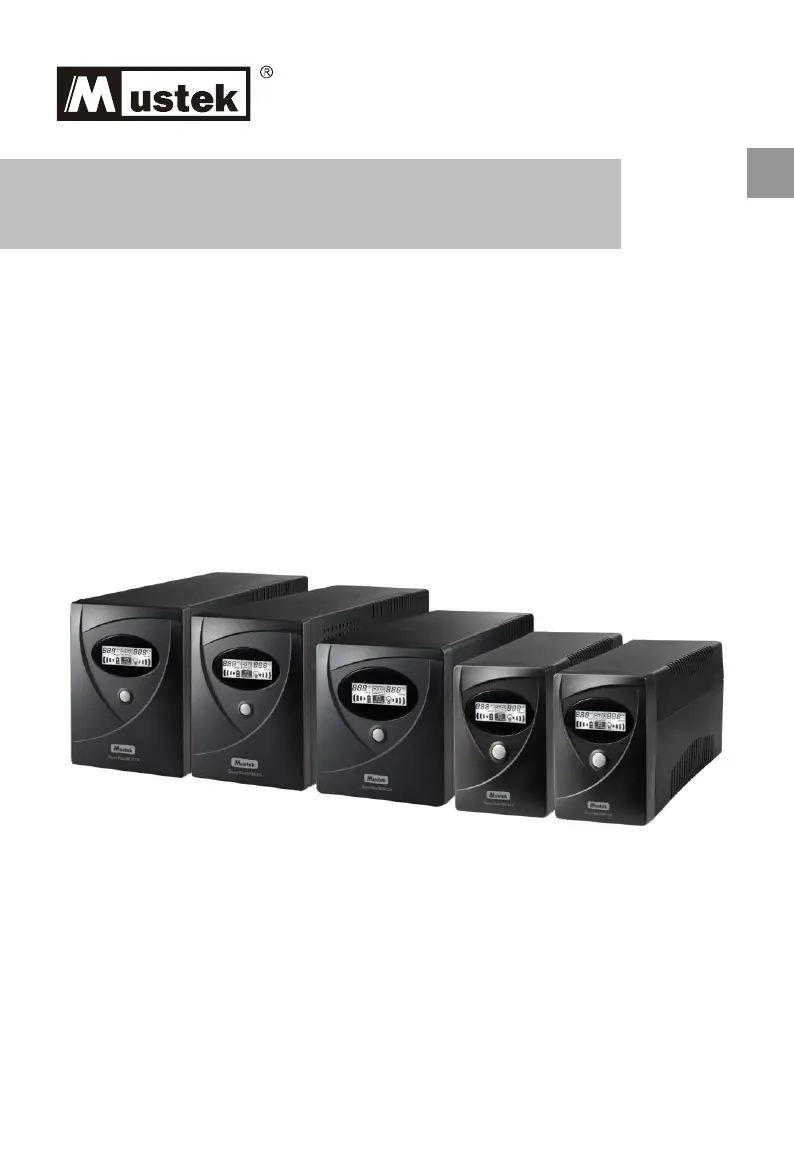
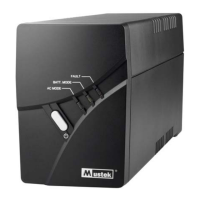
Power Must 600/800/1060/1590/2012 LCD
Line Interactive UPS
Startup Manual
EN

Questions and Answers

  • R
    Robert KnightAug 6, 2025
    What to do if Mustek UPS back-up time is shorten after power failure?
    • J
      jeffreyaguilarAug 7, 2025
      If the back-up time of your Mustek UPS is shorter than expected during a power failure, it could be due to overloading the UPS (remove some noncritical load), low battery voltage (charge battery 4 hours or more), or a defective battery caused by high temperature operation or improper operation (replace with the same type of battery).
  • D
    David JohnsonAug 17, 2025
    Why is my Mustek PowerMust 600 LCD always on battery mode?
    • C
      christysmithAug 17, 2025
      Your Mustek UPS might be operating in battery mode due to several reasons: the power cord may be loose (re-plug the power cord), the circuit breaker may be tripped (press the breaker), or the AC utility voltage may be too high or too low, or there may be a blackout (normal condition).
  • T
    Tina MorrisAug 27, 2025
    How to fix a Mustek PowerMust 600 LCD UPS when no words display on the front panel?
    • J
      Jonathan Barajas IIAug 27, 2025
      If there are no words displayed on the front panel of your Mustek UPS, it could be due to low battery voltage (charge the UPS unit up to 4 hours) or battery failure (replace with the same type of battery).

Summary

Safety Instructions

General Safety Warnings

Covers hazardous voltages, emergency shutdown, environmental conditions, and proper usage.

Battery Safety and Handling

Details precautions for battery handling, disposal, and servicing to prevent shock.

Package Contents

Product Overview

Front Panel Description

Identifies and explains the indicators and controls on the UPS front panel.

Rear Panel Ports

Details the input, output, and communication ports on the rear of the UPS.

Installation & Initial Startup

Connect to Power and Charge

Guides on connecting the UPS to AC power for charging and initial operation.

Connect Equipment Loads

Explains how to connect devices to the UPS output receptacles.

Surge Protection Connections

Describes connecting modem/phone lines for surge protection.

Communication Cable Setup

Details connecting the UPS to a PC for monitoring and shutdown.

Powering the UPS On;Off

Instructions on how to turn the UPS unit on and off.

Monitoring Software Installation

Troubleshooting Guide

Specifications

Mustek PowerMust 600 LCD Specifications

General IconGeneral
BrandMustek
ModelPowerMust 600 LCD
CategoryUPS
LanguageEnglish

Related product manuals