Spitfire – Maintenance Manual
39
AP-74096, Rev. 1.0, 09/06/05
3.4.2. Installing the printer
To install the product, follow the steps below.
Step 1 : Move the product to where it will be installed.
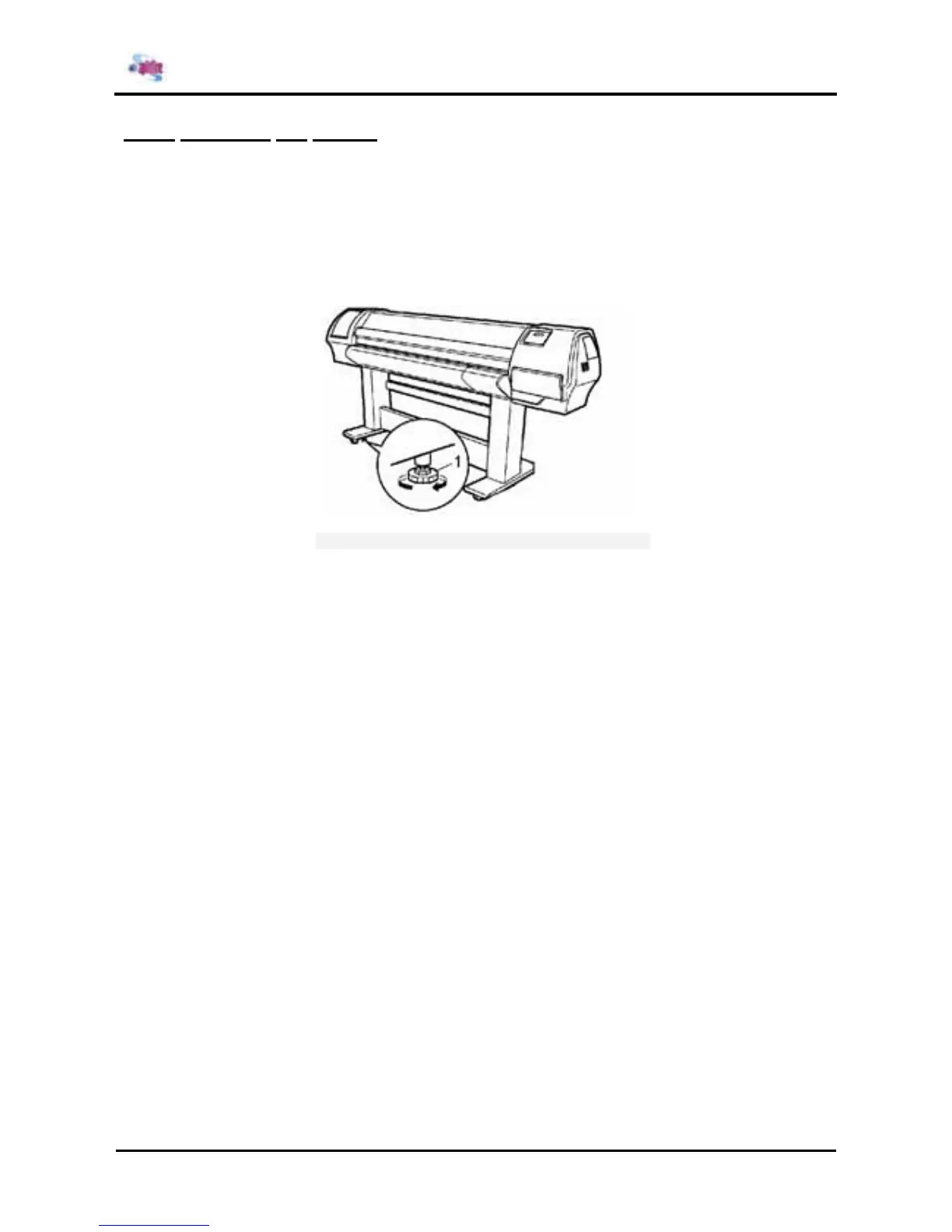
Step 2 : Rotate the four adjusters in the direction shown in the figure to make the printer stable.
Step 3 : Jiggle the printer to make sure that it stable.
1
Adjuster















 To Next Page