Spitfire – Maintenance Manual
47
AP-74096, Rev. 1.0, 09/06/05
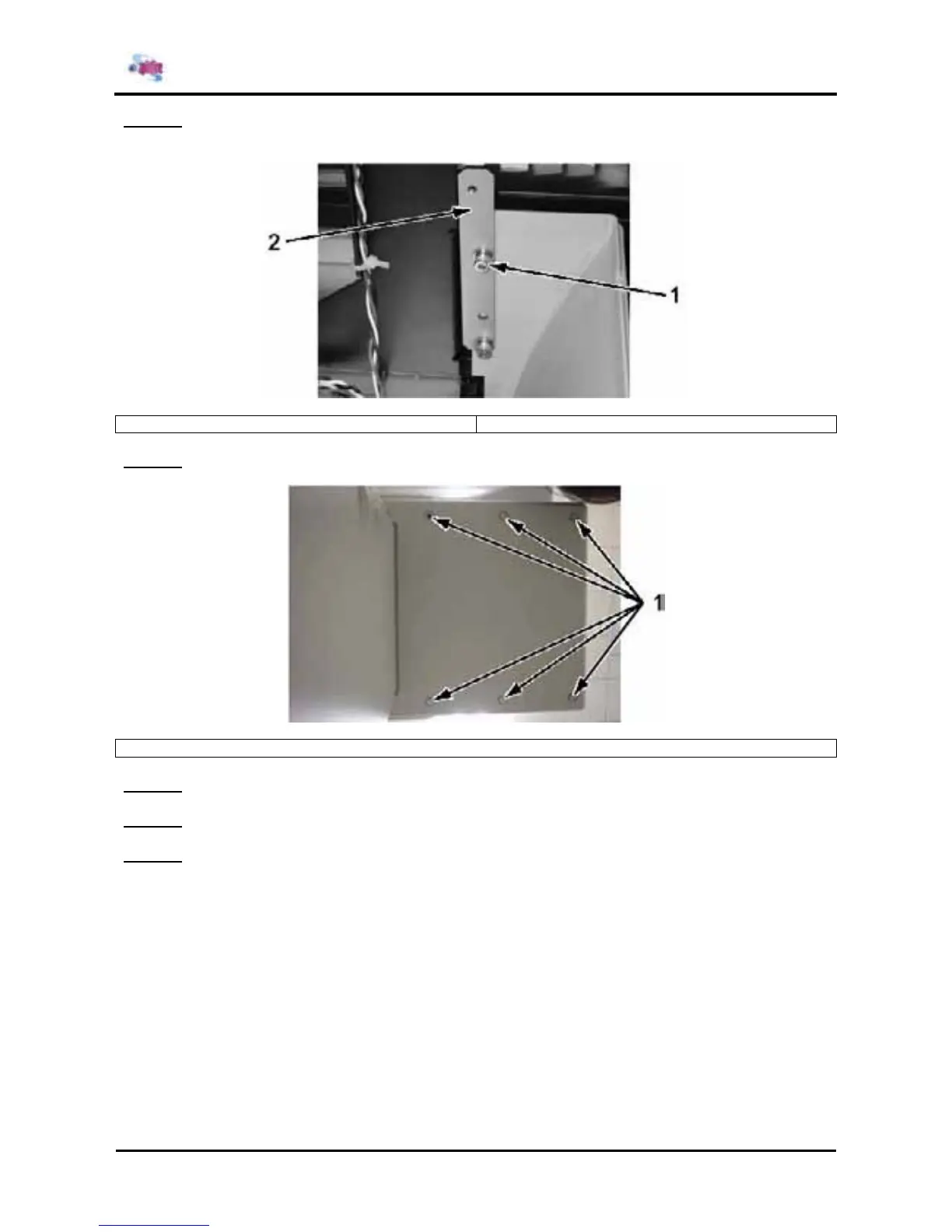
Step 4 : Remove the 4 bolts and cover nut from the front and back of the inner surface on the bottom of
side cover L.
1 = Hexagon socket head cap screws (M4x16) 2 = Cover nut
Step 5 : Remove the 6 bolts from the front and back of the bottom surface on the bottom of side cover L.
1 = Hexagon socket head cap screws (M5x18)
Step 6 : Remove the bottom of side cover L.
Step 7 : Replace the parts inside the printer.
Step 8 : Reinstall all parts in the opposite order of the removal procedure.















 To Next Page