1 VJXX28TDE-I-00
VJ-1628TD/2628TD
INSTALLATION MANUAL
Please read this manual
before using
Thank you for purchasing a MUTOH product.
This manual explains the steps for unpacking, mount-
ing and basic installation before using the MUTOH
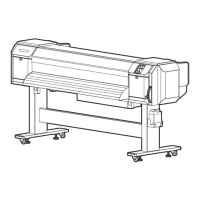
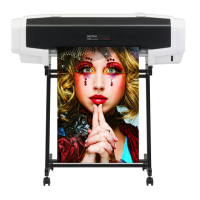
Full-color inkjet printer VJ-1628TD/2628TD.
This manual is intended for owners, installers, and
users of this product.
Understand the contents and instructions in this man-
ual before installing this product.
Installation flow chart
The broad steps for installation are shown below.
There are instructions for each section beginning on
the next page.
1Unpacking boxes
1.1Unpacking the printer box
1.2Unpacking the stand box
2
Confirming bundled items
2.1Items in the printer box
2.2Items in the accessory box
2.3Items in the stand box
3Assembling
3.1
Procedure for assembling the stand
3.2Attaching the stand
3.3Detaching fastening materials
4Installation
4.1Installation environment
4.2Installation procedure
5
Connecting the power cable
6
Turning the power ON/OFF
7Installing the ink pack
8Loading the roll media
9
Checking the printing condition
10Manual composition

 Need help?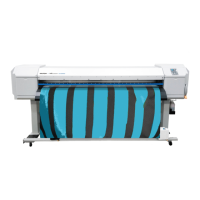











 To Next Page
 General