Transporting 151
[4]
• Use to choose the menu shown left.
• Tap [Enter].
• The table moves to the front side of the printer.
[5]
The message on the left will appear.
• Remove the media and the jig on the table, and then tap [Enter].
• The table moves to the position to secure with shipping brackets.
[6]
The message on the left will appear.
• Press the power button to turn OFF the printer.
3. Repacking
[1]
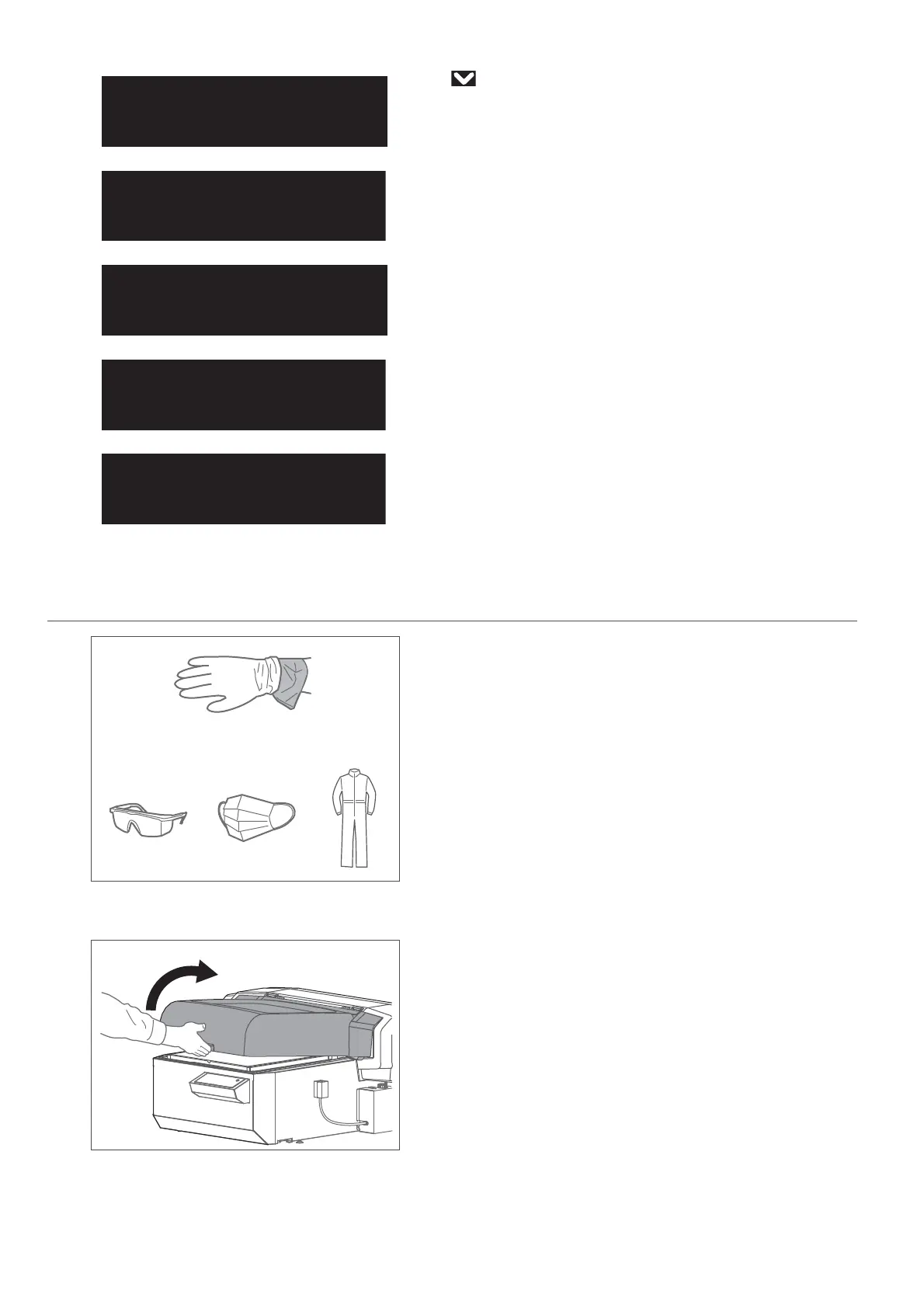
• Wear the polyethylene gloves (white) over the plastic gloves (pink).
• Wear personal protective equipment such as goggles, protective mask or
clothing.
[2]
Remove all cables from the printer.
[3]
Hold the handle on the front cover to gently open it.
UnloadMedia
thenTapEnter














 To Next Page