Menus you can access while printing 45
You can change the micro adjustment value to correct media feeding for the currently print job.
• See the following related sections of Panel Setting Menus
"**>3: PF Adjust" P. 68
Menus you can access while printing
[1]
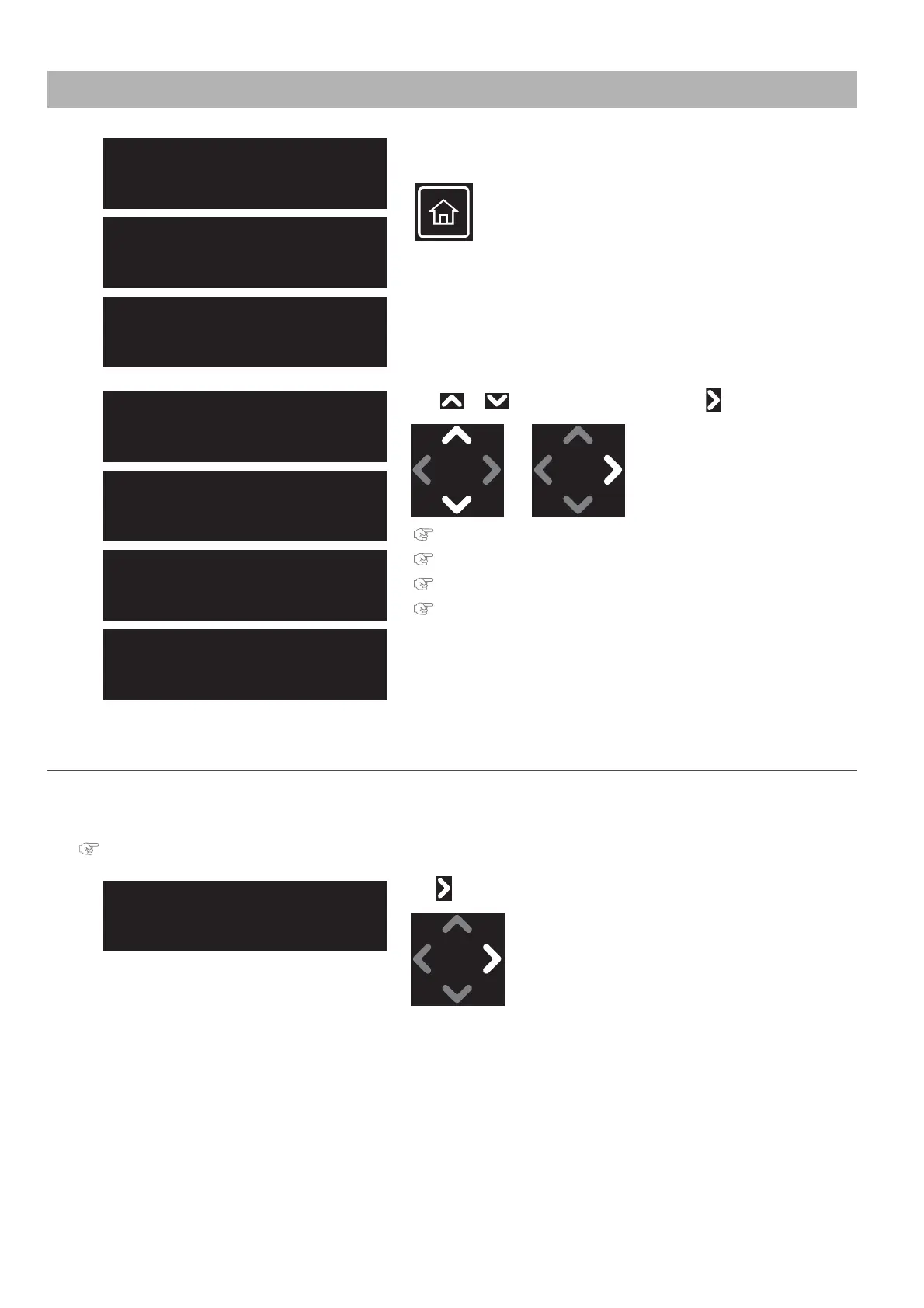
Tap [Home] while one of the three messages on the left appears on the touch
panel.
[2]
Use or to choose the menu, then tap .
"Menu1: PF Micro Adjustment" P. 45
"Menu2: Backup" P. 46
"Menu3: Job Status" P. 46
"Menu4: Reset Waste Ink" P. 47
Menu1: PF Micro Adjustment
[1]
Tap .
Receiving
Printing
Converting
Menu4
ResetWasteInk
Menu1
PFMicroAdjust
Menu2
Backup
Menu3
JobStatus






 To Next Page