i
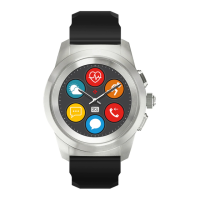
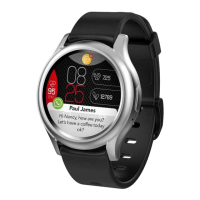
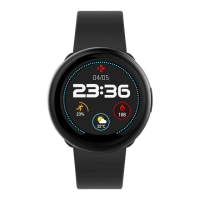
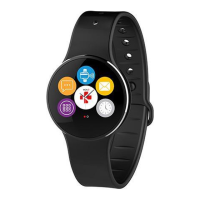
ZeCircle
2
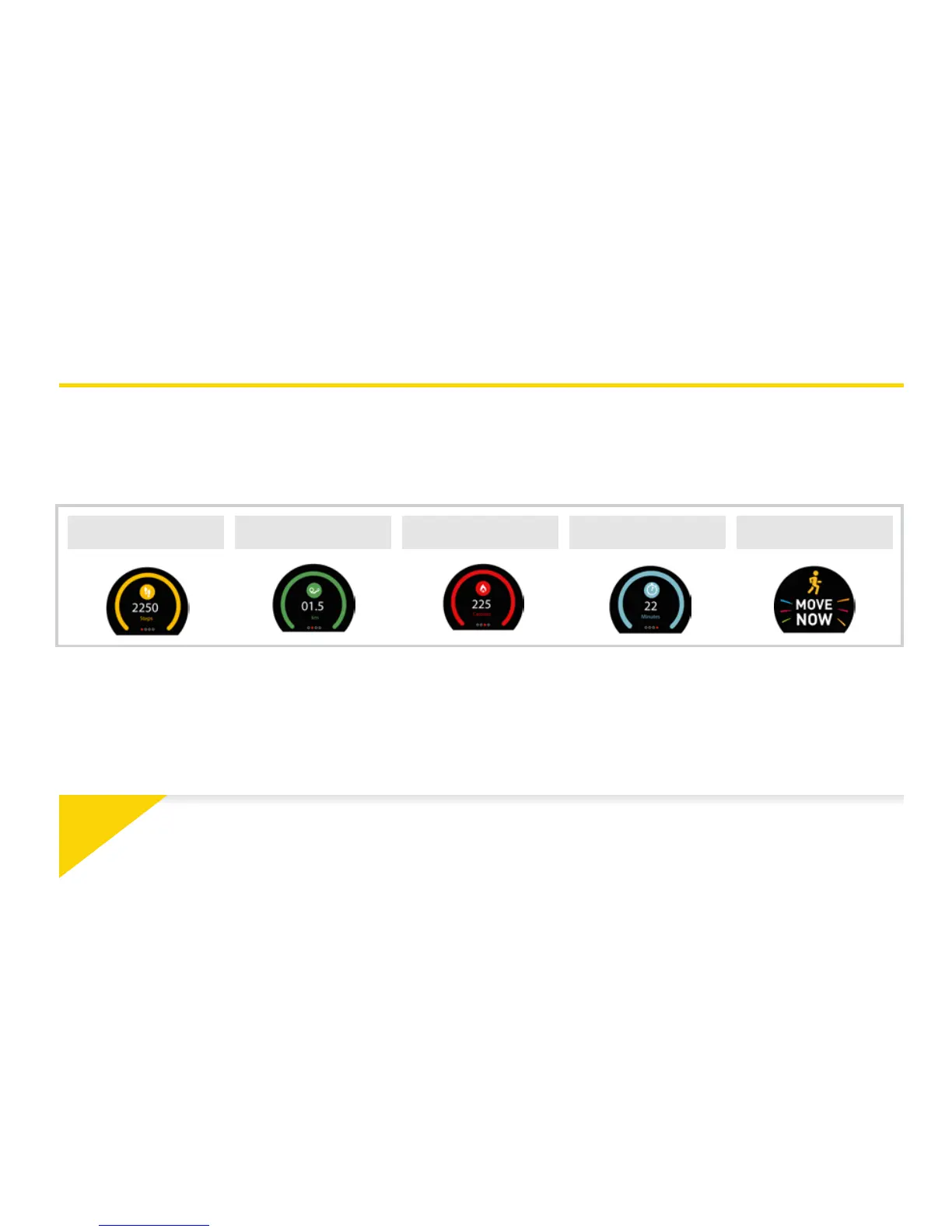
tracks the number of steps taken, distance travelled and
calories burned throughout the day. You can view your daily activity
in real-time on ZeCircle
2
by swiping left or right on the touchscreen.
STEPS DISTANCE
CALORIES
ACTIVE MINUTES INACTIVITY ALERT
You can also monitor your activity data and history from the Activity
tab of ZeCircle
2
. On the main activity screen, you can check your
performance level against your daily goals. Click on any activity bar
to get a detailed graph of your daily, weekly and monthly performance.
ZeCircle
2
shows daily data. The activity tracker resets at midnight. To upload your latest
activity data,go to the Activity tab and slide your finger down the screen.
5. ACTIVITY



 To Next Page