1414
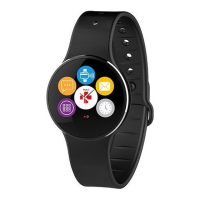
ZeCircle
2
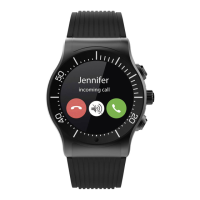
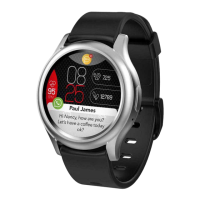
shows notifications of incoming and missed calls, SMS, email, social
media activity, calendar events and anti-lost alert*. Open ZeCircle
2
App, tap
Settings > Notifications to select the notifications you want to receive onto
your ZeCircle
2
. If you wish to disable certain notifications, swipe the selection
button to the left. A single tap on your ZeCircle
2
can dismiss the notification.
If not dismissed, the notification will reappear next time you wake up the screen.
Setting up notifications for iOS users:
I
Go to “Settings” of your iOS device
I
Tap “Notification Center”
I
Select which type of notifications you wish to receive on ZeCircle
2
I
Enable ”Show in Notification Center” to receive the notification on ZeCircle
2
i
Caller ID supports latin character only. For more languages support, please visit
www.mykronoz.com/support/. *Windows Phones may not support those features, please
visit www.mykronoz.com/support/ for more information.
10. NOTIFICATIONS







 To Next Page