88
3. WEARING
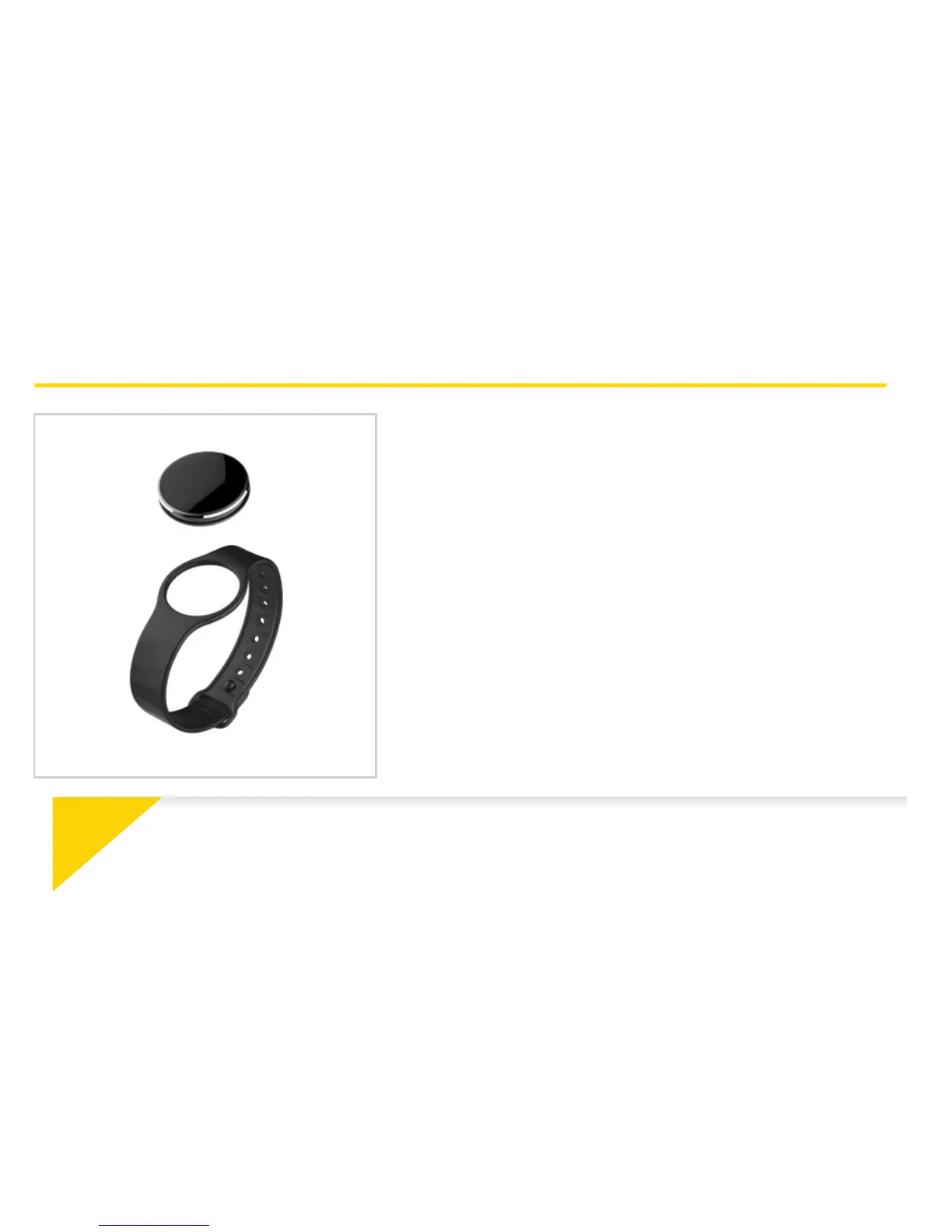
ZeCircle2 is adjustable to fit different wrist sizes.
1. Pop ZeCircle
2
unit into the wristband
2. Locate the vertical marking lines on the back of
ZeCircle
2
unit and on its wristband
3. Make sure the vertical marking lines are aligned
with each other
4. Place ZeCircle
2
around your wrist and put the
clasp pin inside the hole
5. Press a few times to ensure the pin is fully inserted
and that ZeCircle
2
is securely fastened
i
To get the most accurate data, we recommend wearing ZeCircle
2
on your non-dominant hand
and not too loose.







 To Next Page