11
11
6. SLEEP
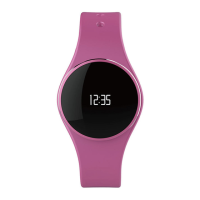
ZeCircle
2
tracks the hours slept and the quality of your sleep (light sleep, deep
sleep, awake times)
I
START / EXIT SLEEP MODE
From the device, tap on the Sleep icon from the main menu page. To enable
sleep mode from the sleep interface, press START. To exit sleep mode and
switch to activity mode, press END.
I
PRESET SLEEP
Open ZeCircle
2
App > Go to Settings > Advanced Settings > Click on Preset
sleep to enter your desired bed and wake up times. By default, ZeCircle
2
will
track your sleep from 11pm until 7am.
i
If you forgot to activate sleep mode, you can manually add sleep logs in ZeCircle
2
App. Open
ZeCircle
2
App, click on «...» at the top > Add sleep







 To Next Page