X2 transponder version 2018 © MYLAPS rights reserved 15
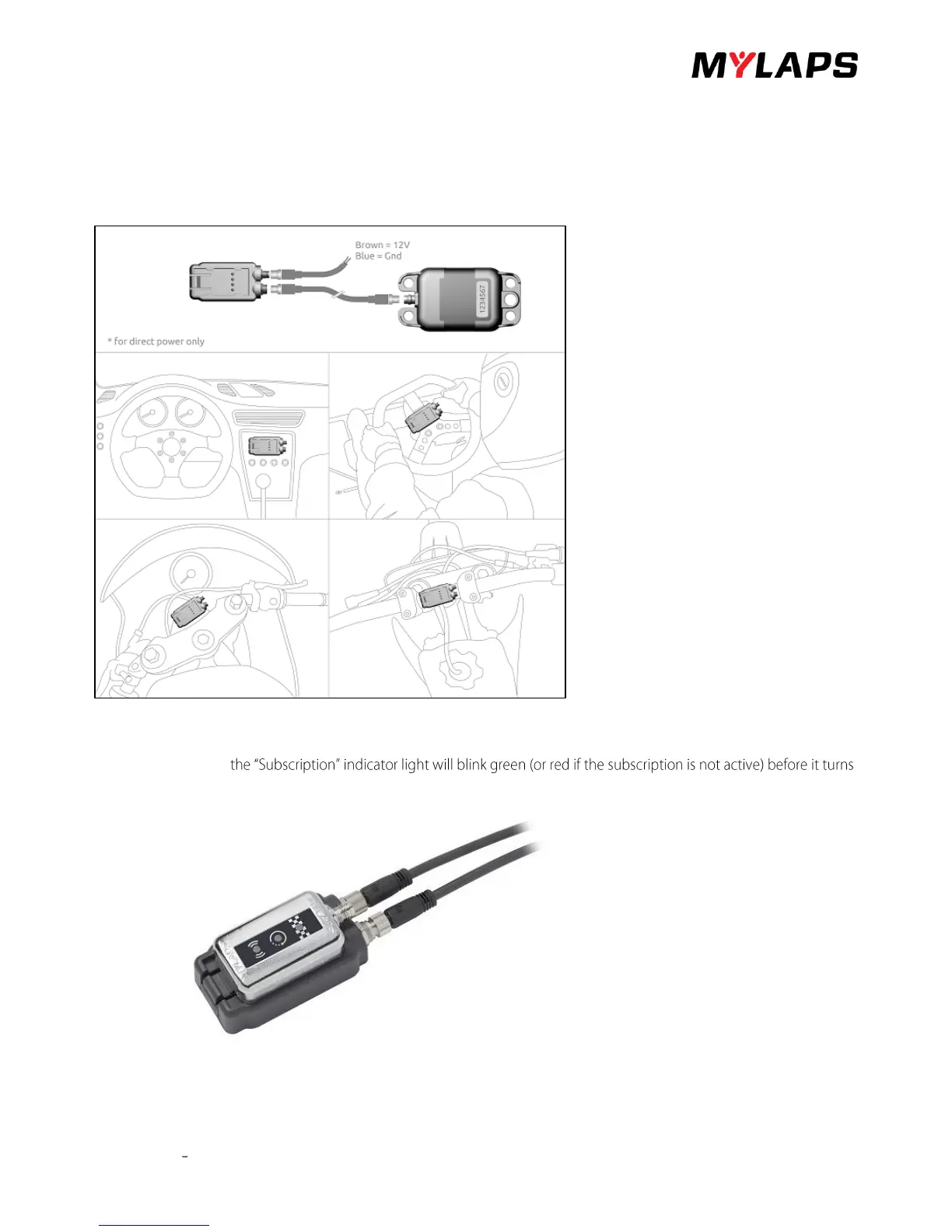
Connect the X2 RaceKey mount as follows:
• Connect power cable connector to the X2 RaceKey mount and connect the open-end wires to a 12 VDC supply in
your vehicle (check the cable and vehicle wiring specifications for correct connection). The brown cable is 12V and
the Blue cable is Gnd. The black and white cable can be ignored.
• Connect the connector cable to the X2 Transponder and feed it to the connector on the RaceKey mount.
• Mount the X2 RaceKey mount in sight of the driver on the dashboard or steering.
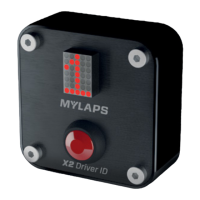
Insert the X2 RaceKey in the RaceKey Mount:
• During start-up all three indicator lights will flash various colours.
• After start-up
off.


 To Next Page