X2 transponder version 2018 © MYLAPS rights reserved 16
Mounting rechargeable model
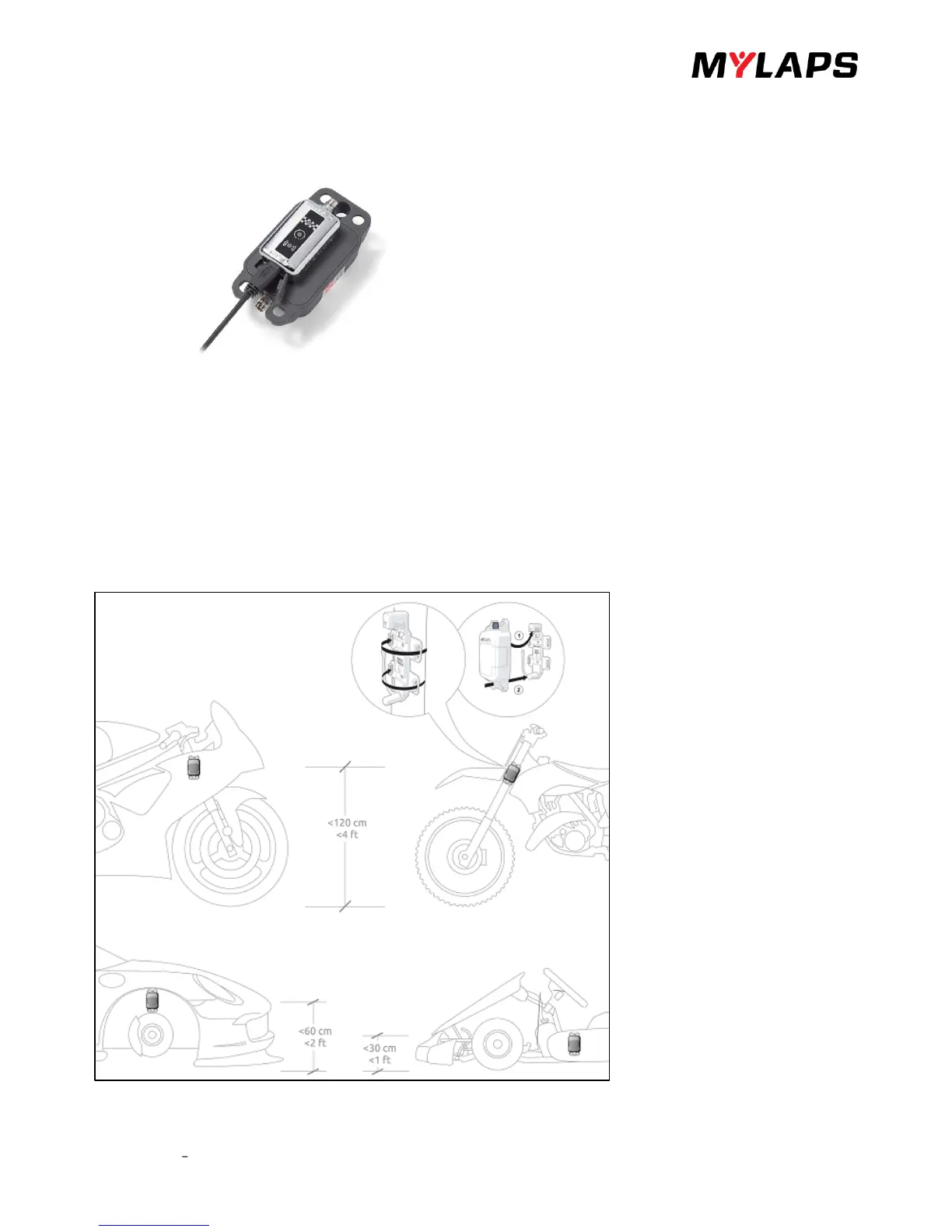
Before mounting the X2 Transponder, charge it as follows:
• Slide the X2 RaceKey onto the X2 Transponder
• Connect the USB cable from a USB/wall adapter (e.g. laptop) to the X2 RaceKey.
• The charge indicator light blinks red during charging. Wait till the light turns solid green (the transponder is fully
charged).
• Remove the USB cable and disconnect the X2 RaceKey from the X2 Transponder. The indicator lights on the
transponder indicate how long the transponder can be used - there is no sleep mode.
Mount the X2 Transponder in the car front wheel arch, or bike front forks, or kart lower chassis.
Make sure your transponder has a good and free sight to the track.
Car


 To Next Page