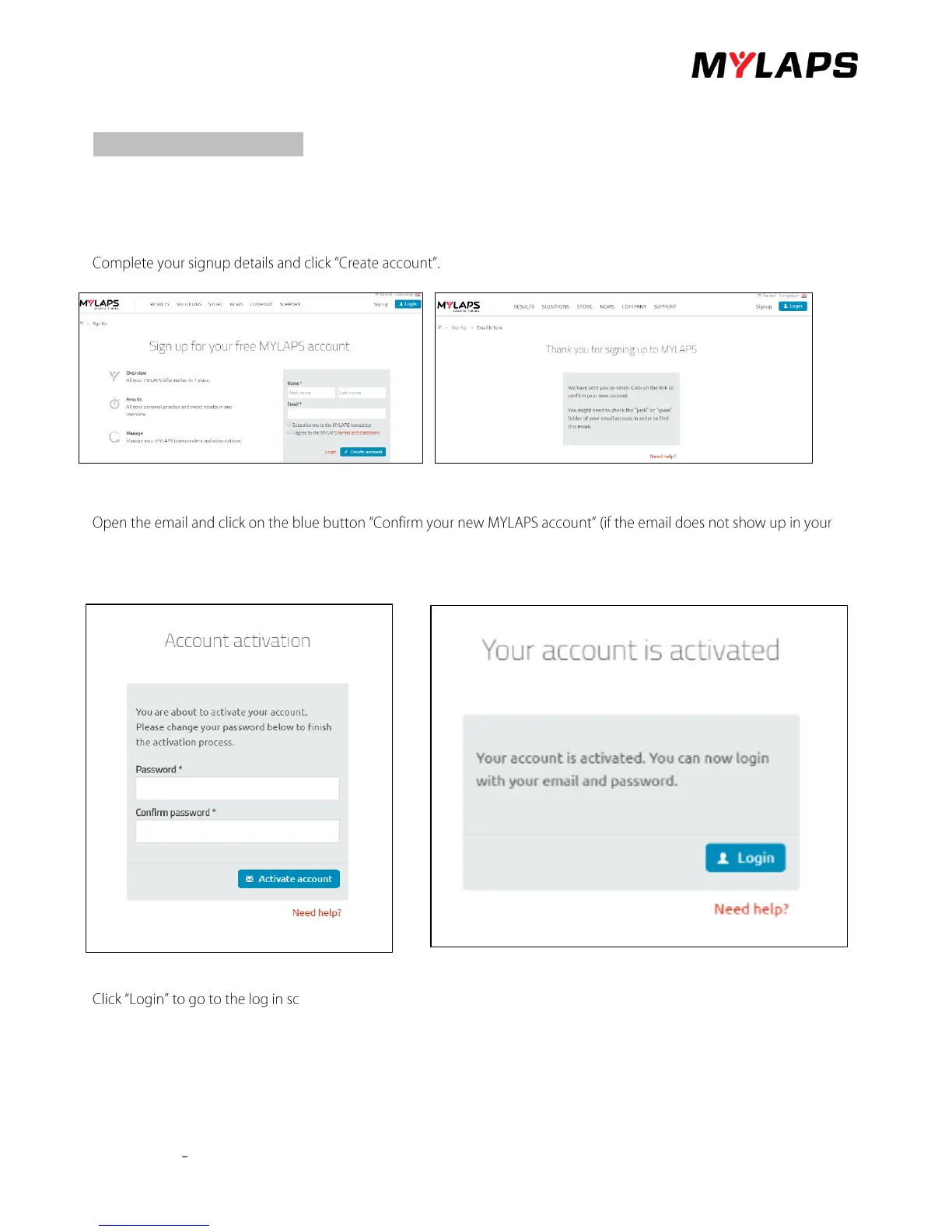
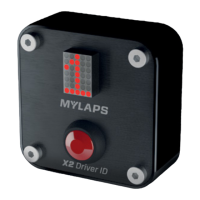
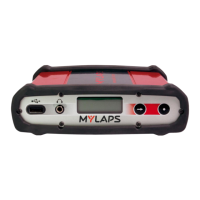
X2 transponder version 2018 © MYLAPS rights reserved 19
8. Create an account
If you want to use your transponder make sure, you have created an account, registered and activated your transponder. Else
your transponder will not work!
Go to < https://account.mylaps.com/nl/signup>
An email will be sent to the email address provided in the sign-up form and the following message appears.
inbox, check your junk or spam filter as it may be there).
After clicking the link (blue button), the account activation page will open. Create and confirm your password.
After clicking the Activate account button (blue button), a confirmation explains your account is active.
reen. You log in with your e-mail address and password.


 To Next Page