EN 13|
Step :
Congratulations!
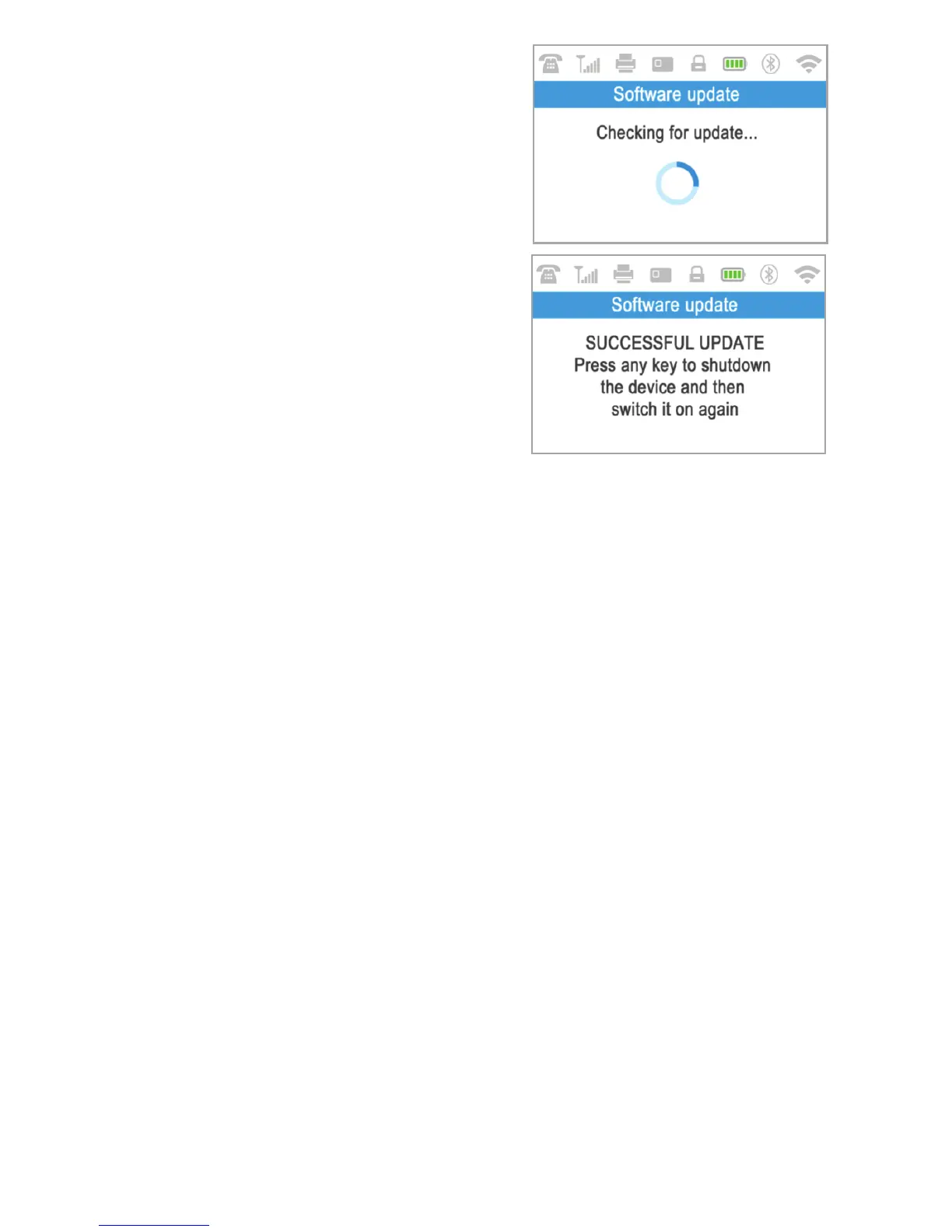
3 Once your D210c has been
successfully activated, your D210c will
display the confirmation screen and will
automatically check for any updates of the
terminal software from iPay International.
If a new update is found, the D210c
terminal will automatically download and
install it.
Your new D210c is now activated and ready to be used. You can find the new
D210c listed in your myPOS account in the POS terminals menu section.
Once D210c device is activated by you, it is permanently linked to your
myPOS account. Even if the device is stolen or lost, any payment transaction
made through it will be credited to your account. In case your device is lost or
stolen, please inform Customer Support Centre immediately.



 To Next Page