D210c Functions
For better user experience and convenience all functions of your D210c are
divided in two groups – TRANSACTIONS (menu button) and SETTINGS
(FUNC button or up arrow button). From the home screen (any other screen
by pressing red key (X) first) you can select the TRANSACTION menu by
pressing (menu button) key or you can select the SETTINGS menu by
pressing ( FUNC button or up arrow button) key.
TRANSACTION menu
Menu button ( )
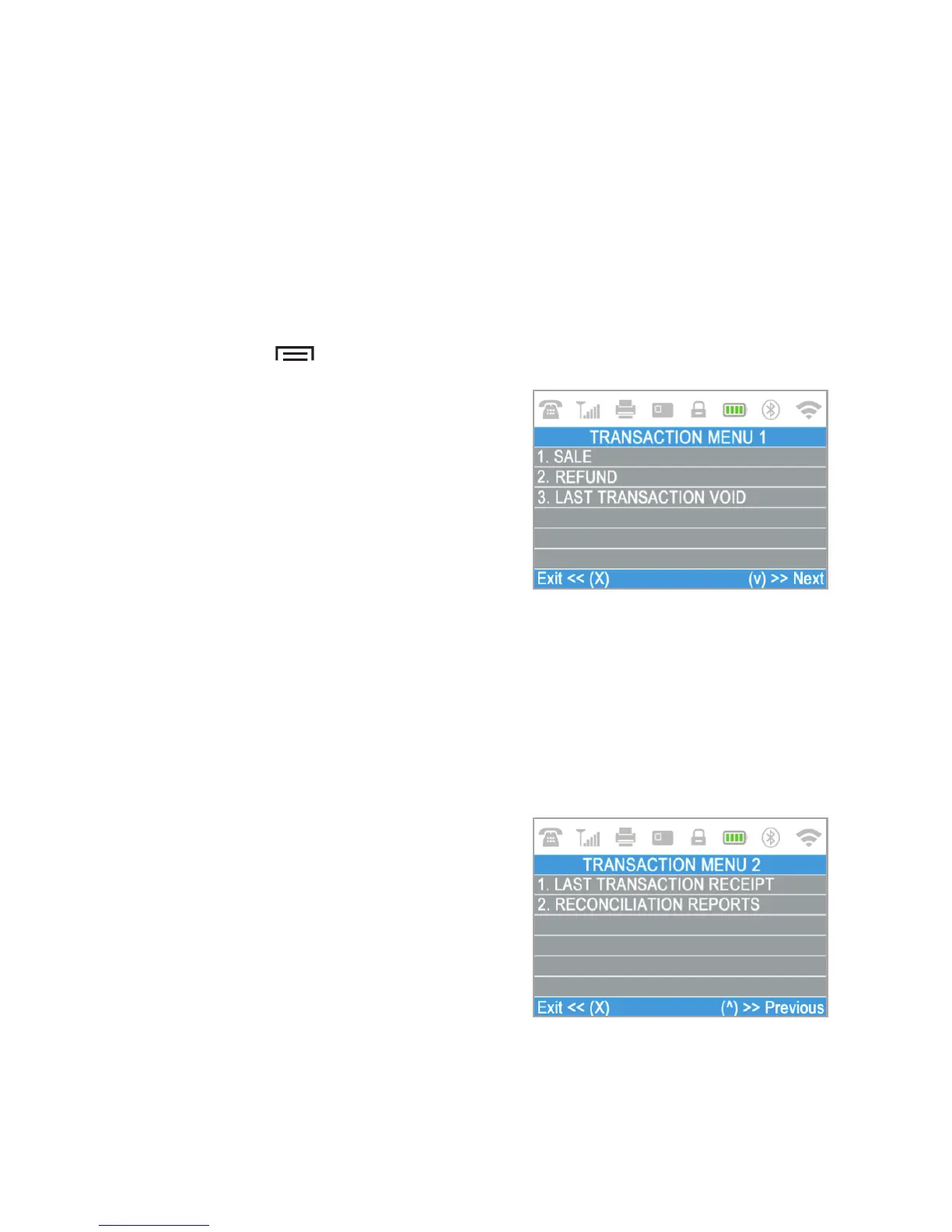
TRANSACTION menu is organized in two
screens with the following options:
TRANSACTION MENU1 shows the list of
supported types of payment transactions
on your D210c device:
1. SALE
2. REFUND
3. LAST TRANSACTION VOID
Please refer to section “Accepting Payment” for a detailed description of each
transaction. The default transaction type for your D210c is Sale.
You cannot change the transaction type during an operation. If you make a
mistake, use ( CANCEL) to cancel the operation.
TRANSACTION MENU2 shows the list of
operations and functions related to
payment transactions:
1. LAST TRANSACTION RECEIPT
Using this function you can print another
copy of the last receipt.
2. RECONCILIATION REPORTS
This function shows reconciliation statements (Reports) of all processed
transactions. By pressing (1) on the keyboard you can select report for Totals
and to visualize summary of all transactions processed for the current
X
EN 19|



 To Next Page