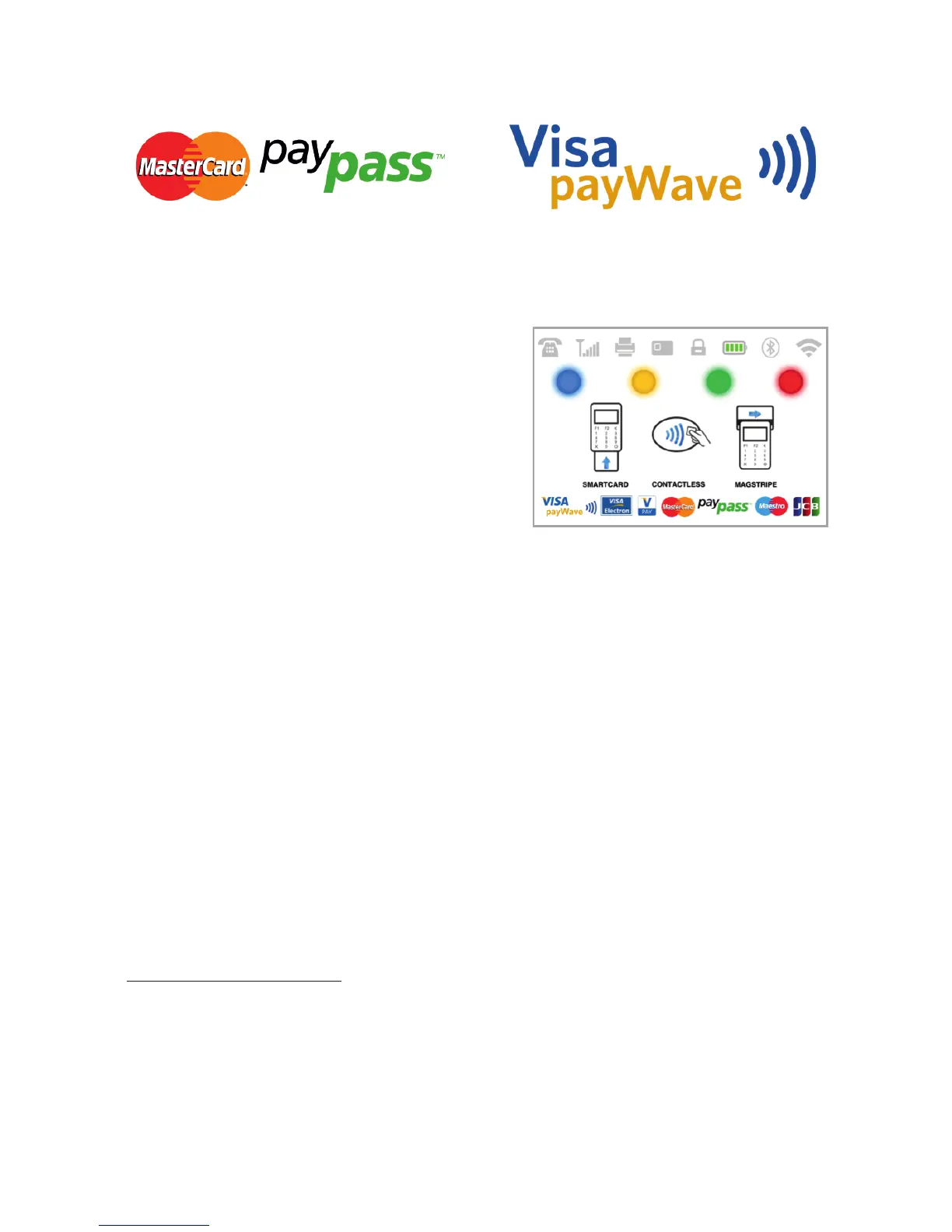
Contactless cards always need to have one of the following logos printed on
it.
If your customer has a PayPass or payWave logo on it, please follow the
procedure below after you enter and confirm the amount of the transaction.
Hold the card (or smartphone) approx.
3cm above the display of your D210c.
When the secure contactless reader
recognizes the card, the four colour
indicators will flash indicating that the
card is being processed. If the card is
successfully read, all four indicators will be
on. The process takes one second and
after you hear a beep, you can remove the
card.
If the card requires a PIN code to be entered, please hand the terminal to the
customer and ask him or her to enter his or her PIN code.
Complete the transaction as described in Step 3 of the previous section.
Refund Transaction
A refund transaction is used in order to issue a refund (credit) to the
customer. When you refund a card transaction, the amount of the refund is
returned to the customer's card account and your myPOS account is debited
with the corresponding amount. You must always make a refund to the card
used for the original purchase.
Before making a refund
Never make a refund unless there has been an original purchase with the
card. If you do, iPay International may block your D210c terminal and
withdraw your card processing facility.
Check that your customer has handed you the card used for the original
transaction – the last four digits have to match those on the e-receipt. If they
do not, ask for the original card.
Never give a cash or cheque refund for a card transaction – fraudsters often
џ
џ
џ
EN 17|



 To Next Page