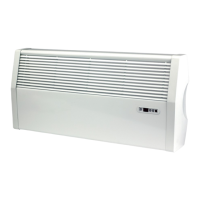
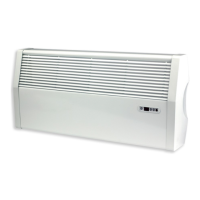
iVector S2
Installation manual
iVector S2 • 2022-07-01
US
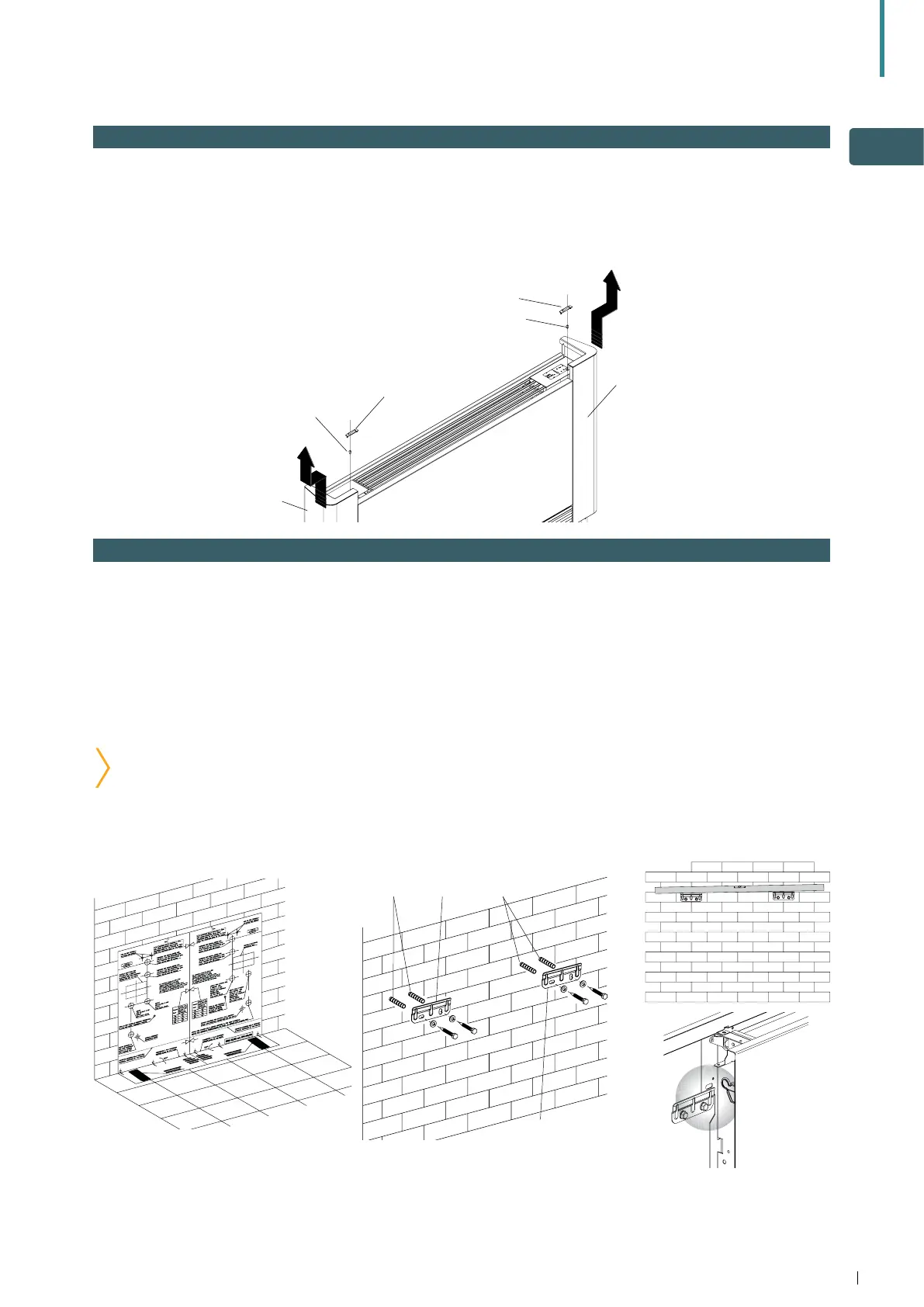
2.3 Side opening
• On the left-hand side, lift the cover that protects the
screw, loosen the screw that fixes the left panel,
then move it slightly to the left and lift it up.
• On the opposite side, lift the cover that protects the
screw and unscrew it.
• Move the side panel slightly to the right and lift it out.
A Cover C Left panel
B Fixing screws D Right panel
B
A
D
A
B
C
2.4 Vertical floor or wall installation
When mounting on the floor with support feet, refer to
the product instructions supplied, and the instructions
supplied with the support feet.
Do not over-tighten the screws, check alignment with
a spirit level and make final adjustment. Mark the
lower fixing points, remove unit, then drill and plug
mounting surface. Fully tightening the bracket screws,
refit unit, check alignment and stability then secure
using bottom screw fixings.
Use the paper template provided to trace the position
of the bracket fixing holes on the the mounting
surface. Drill the holes, insert the mounting plugs or
other suitable fixing and secure the 2 brackets.
NOTE: take care to ensure correct orientation of
the mounting brackets. These should be fixed with
small tabs pointing towards the fixing surface.
A Mounting plugs B Brackets
A AB
B


 To Next Page