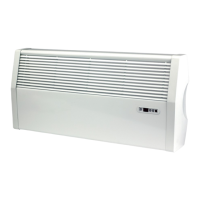
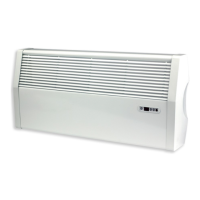
iVector S2
Installation manual
iVector S2 • 2022-07-01
US
5.10 Presence detection sensor input connection – units with remote-mounted control
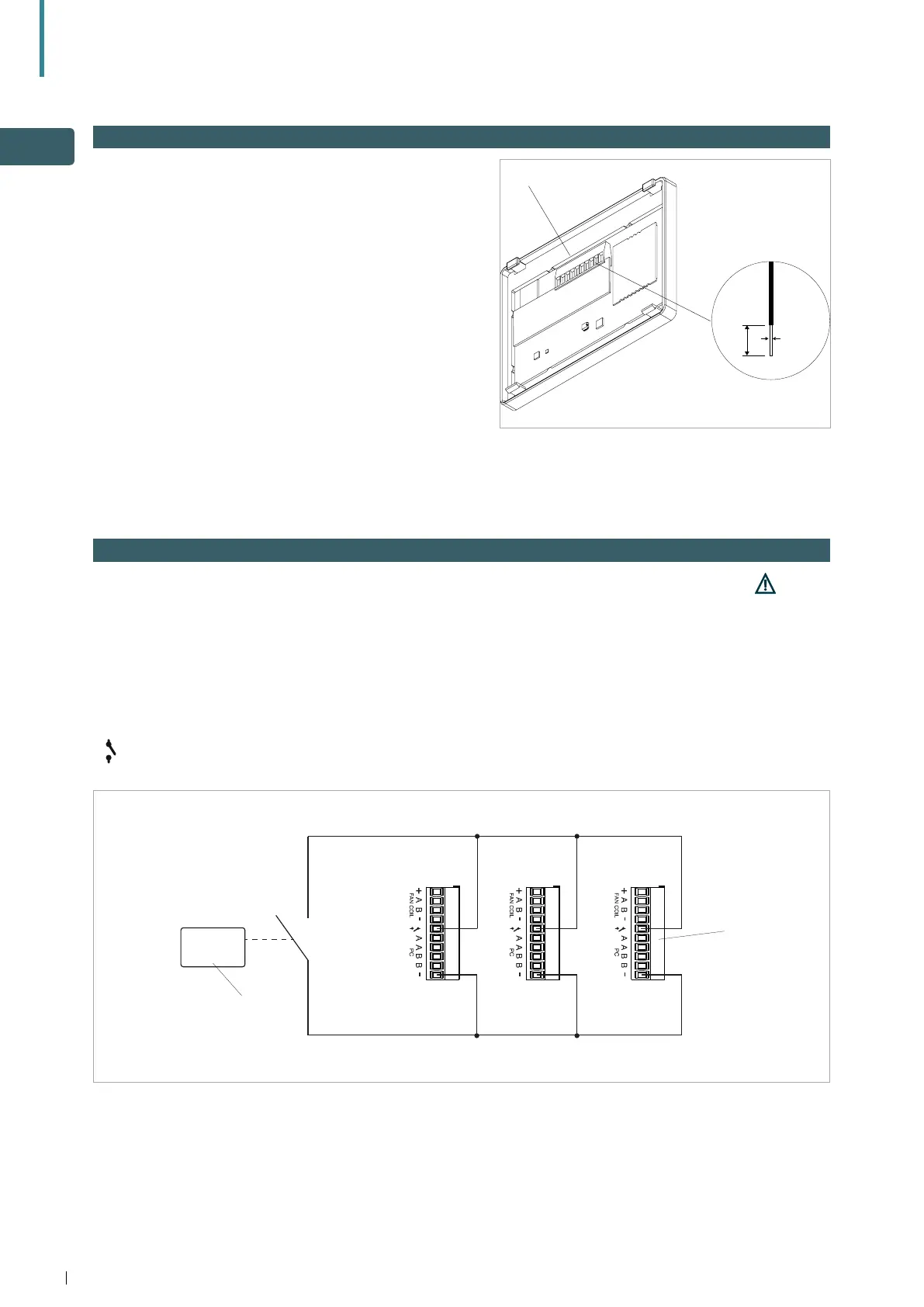
This unit can be equipped with a presence detector for
rooms of infrequent use e.g. hotel rooms. Presence
detector sensors are commercially available.
When the CP input contacts close, the units are placed
into stand-by. If the contact is open the units are active.
If the contact is closed, the units are
deactivated and when a key is pressed the
symbol
flashes. The input cannot be connected in parallel to
that of other electronic boards (use separate contacts).
A Remote control terminal block B Auxiliary relay
Contact CP - Contact
B
5.9 Wiring connection to remote-mounted control
Wiring connection to the remote-mounted control
is made by inserting wires into the spring-loaded
terminals on the back of the control. RS485 cable
should be used to connect to terminals A and B, and 0.2
to 1.0mm (18 gauge) rigid or flexible wires into the + -
power terminals (see section 6.3).
• Strip back wires by 8mm (about 5/16 inches).
• Insert in to terminals and check correct connection by
pulling gently.
• To remove from terminal, press white tab (C) to
release conductor
8mm
0.2-1 mm
2
C


 To Next Page