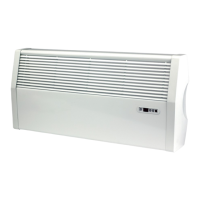
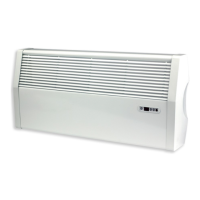
iVector S2
Installation manual
iVector S2 • 2022-07-01
US
Onboard and remote control setup menu
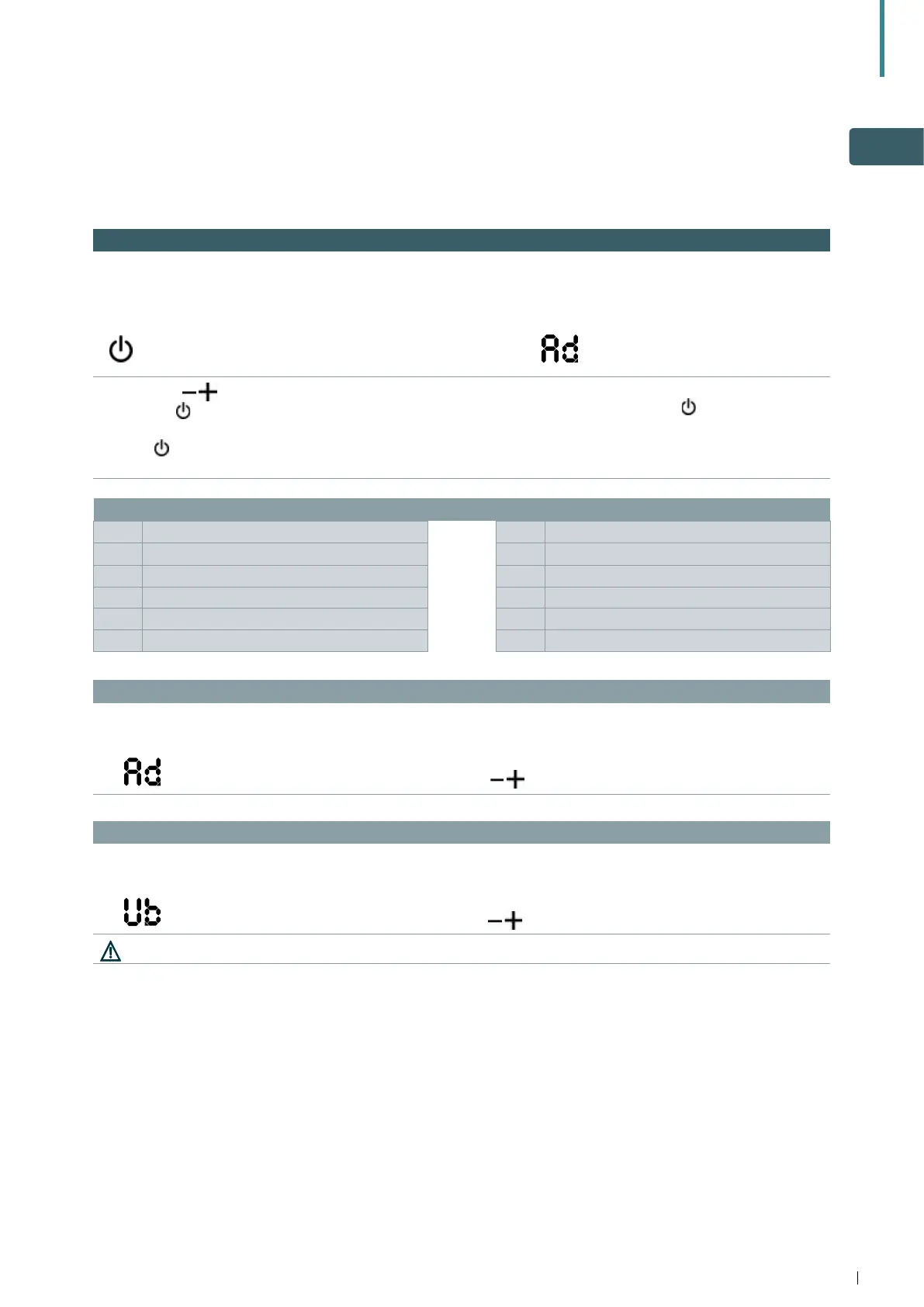
6.1 Setup menu
The Setup Menu can be accessed through the remote
control with the display switched off
Key Operation Display
• press the key "ON" for 10 sec
• the device turns on and the temperature appears
• continue to press until "Ad" appears
Use the icons to move inside the menu.
Use the icon
to select menu items and to confirm
changes made.
Pressing
and confirming the change will switch to
the next item.
To exit from menu:
• continuously press the icon
for 10 sec.
• or wait 30 sec. for automatic shutdown
After 30 seconds from the last action, the control
goes off and the settings is memorised.
Menu items
Ad Address rb Modbus reset
uu (not applicable for this model) Fr Factory reset
Ub Adjust buzzer volume ot Offset probe T
br Adjust the brightness oh (not applicable for this model)
di Digital input Sc Scale
rZ (not applicable for this model) rE (not applicable for this model)
Set the modbus address of each individual unit controlled from one remote mounted control
To set the address:
Display Operation
• the setting range is from a minimum of 01 to a maximum of 99
• increase or decrease the number with the icons
Adjust buzzer volume
To change the volume:
Display Operation
• the volume setting range is from 00 (min) to 03 (max)
• increase or decrease the volume with the icons
The volume changes after you confirm the modification.


 To Next Page