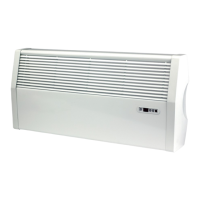
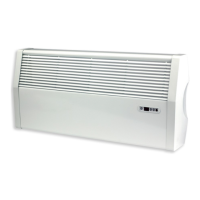
iVector S2
Installation manual
iVector S2 • 2022-07-01
US
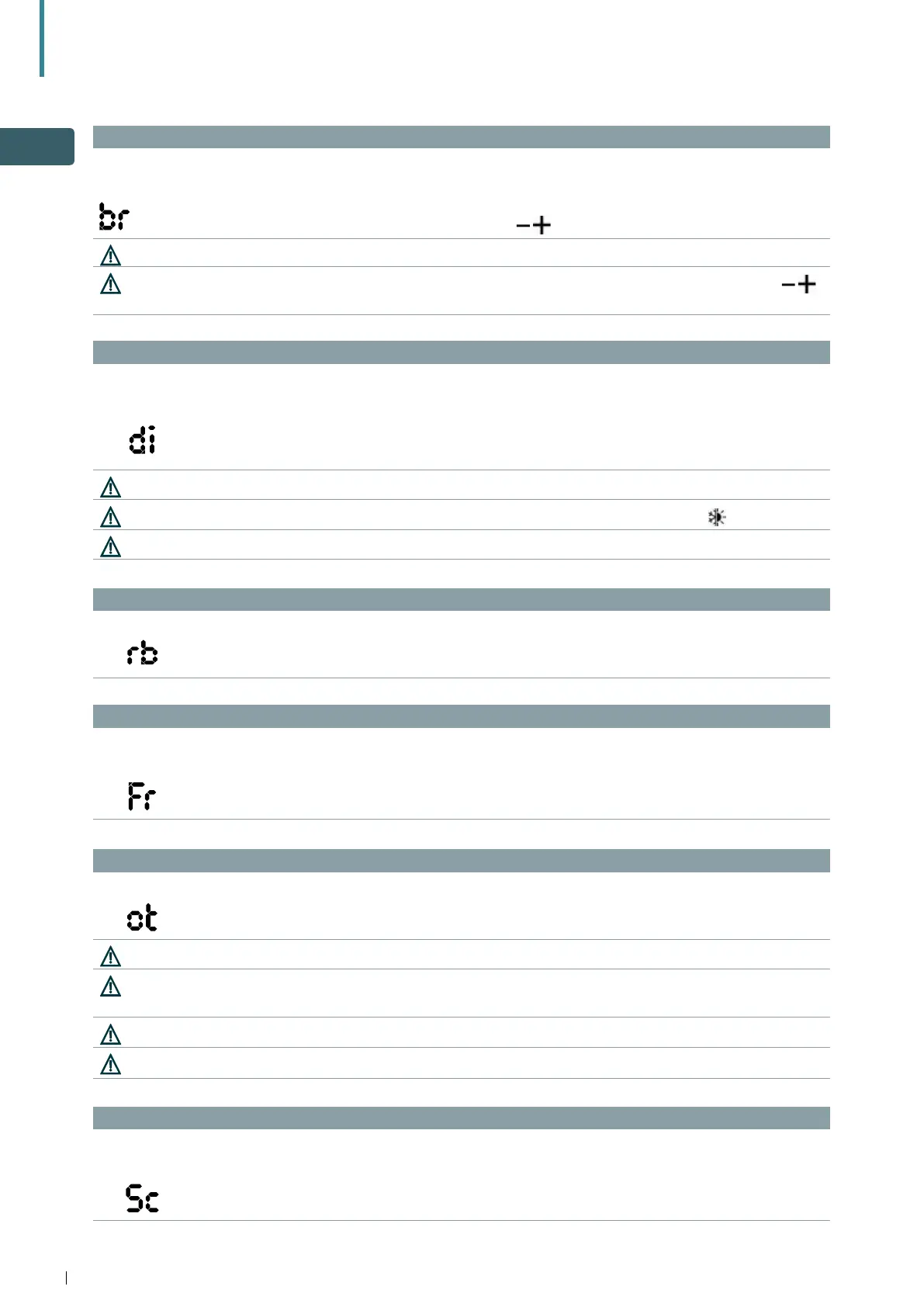
Adjust the brightness of the display
To adjust the brightness:
Display Operation
• the brightness adjustment range is from 00 to 01
• increase and decrease the brightness with the icons
The brightness changes after confirming the modification
You can also reduce the brightness of the display through the control’s key. From the display off, press the icon
for 20 sec. The message “01” will appear. Press to decrease brightness “00”. Wait 30 sec. for the correct settings to be verified.
Settings of the digital input
To change the digital input, select "di" menu:
Display Operation
• CP / clean contact (default)
• CO / cooling open
• CC / cooling close
By default, digital input is set to CP.
By selecting CO, or CC the unit is locked in heating or cooling. This selection cannot be changed using on the control.
For return to the default settings, set the digital input to “CP”.
Scale
To change the temperature unit:
Display Operation
• select °C or °F
Room temperature off-set calibration (on unit control)
Display Operation
• the adjustment range is from -9 to 12
Use this adjustment carefully.
Use this adjustment only after having actually detected a discrepancy compared with the actual room temperature
using a reliable device.
Adjust the value in a range of - 9 °C to + 12 °C (16 °F - 54 °F), at variations of 0.1 °C/°F.
After 30 seconds from the last action, the control goes off and the settings is memorised.
Reset modbus (e.g. to change address of units)
Display Operation
• select "no" to keep the current settings
• select "YS" to reset the settings
Factory reset
To reset the control to factory settings:
Display Operation
• select "YS" to reset the settings
• select "no" to keep the current settings


 To Next Page