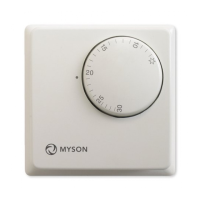
Model: TOUCH4
10
Selecting 5/2 Day or 7 Day Programming
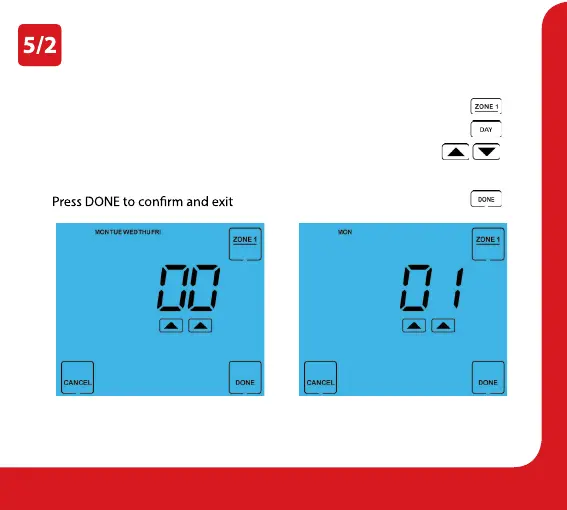
Each zone can be programmed to work in 5/2 (Weekday/Weekend) or 7 Day mode.
• Press ZONE 1 ...................................................................................................................
• Press Day ..........................................................................................................................
• Use the Up/Down arrow keys to set the programming mode ...........
00 = 5/2 Day mode, 01 = 7 Day mode
•
...............................................................................
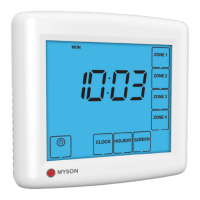
In 5/2 Day mode the time clock will display
Mon > Fri prompting you to program the
switching times for the weekend.
In 7 Day mode, the time clock
will display Mon.


 To Next Page