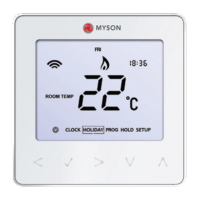
Model: TOUCH4
6
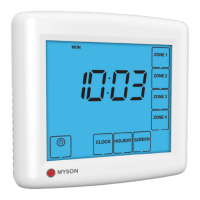
1. Day Indicator - Displays the day.
2. Copy - Enables copying of switching times from one zone to another.
3. On Until/Off Until – Displays the current operational status of the timed output.
4. Timer Status - Displays the current status of the timed output.
5. Up/Down Keys - Increase or decrease values shown on left digit group.
6. Up/Down Keys - Increase or decrease values shown on right digit group.
7. Select Zone - Prompts a zone selection.
8. Boost Left/Holiday Left - Displays the remaining duration of a timed boost
or holiday setting
9. Power: Press once to turn off display. Cancel: Used to exit setup/program operations.
10. Setup/Programming Keys - Used to navigate setup options.
11. Off/Constant/Auto – Displays selected zones’ programming mode.
12. Zone/Time Selection Keys – Used with Zone/Times configuration.
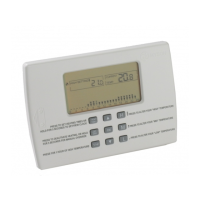
LCD Display


 To Next Page