13
Time Clock Series
Boost Facility
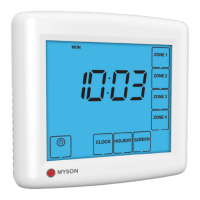
Each zone has a boost facility allowing you to turn any of the zones on for a number
of hours. This is ideal for when you need to extend the time period but do not wish
to reprogram the time clock settings. To use the Boost facility, follow these steps:
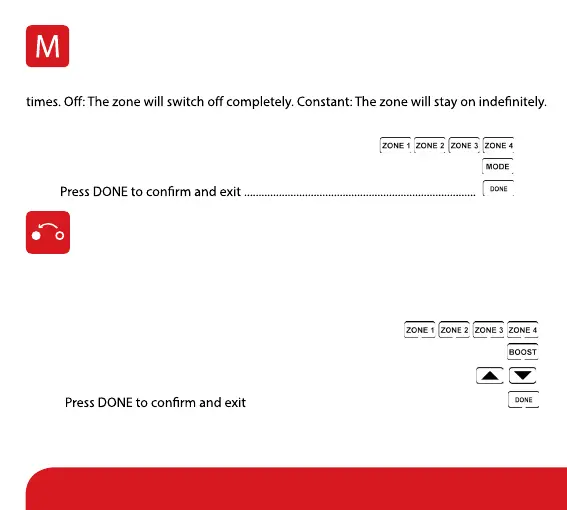
• Select the zone ....................................................................................
• Press Boost ...............................................................................................................................
• Use the Up/Down arrow keys to enter the boost period (in hours) .........
•
.......................................................................................
The remaining Boost time will be displayed on-screen.
To cancel the boost early, repeat the steps above reducing the boost time to 00.
Mode Select
Each zone can operate in 3 modes: Auto: The zone will work to the programmed switching
To set the mode for the zone, follow these steps:
• Select the zone you wish to program ..................................
• Press Mode until the desired mode is displayed ................................................
•


 To Next Page